

Create the meet
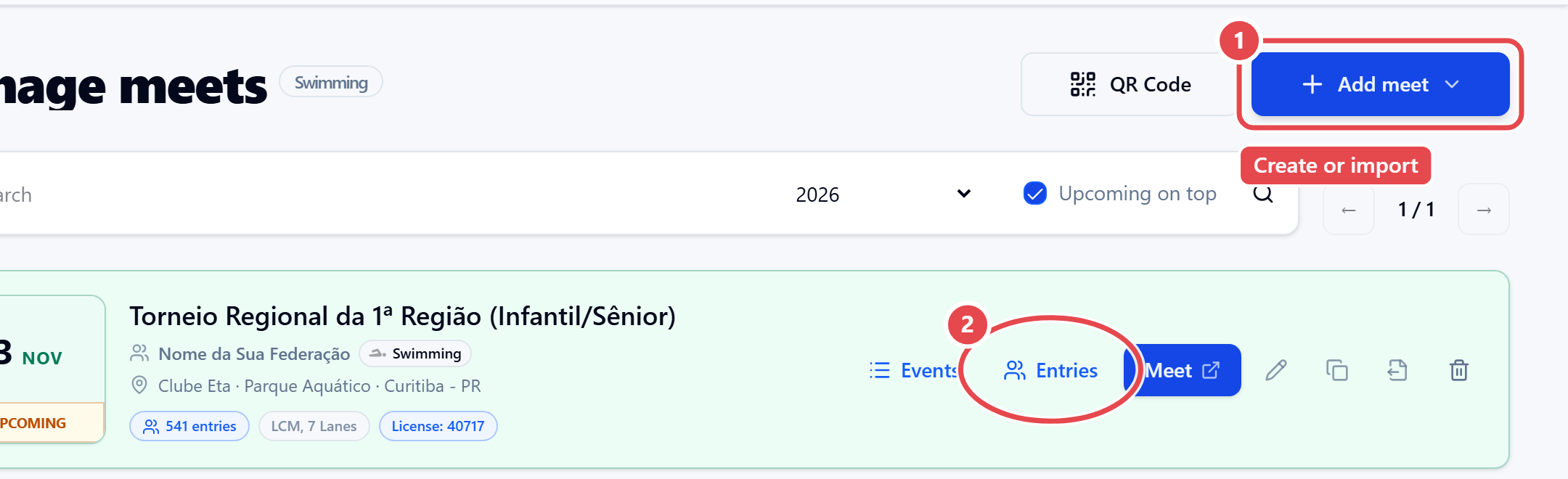
- In the admin, open Swimming › Meets.
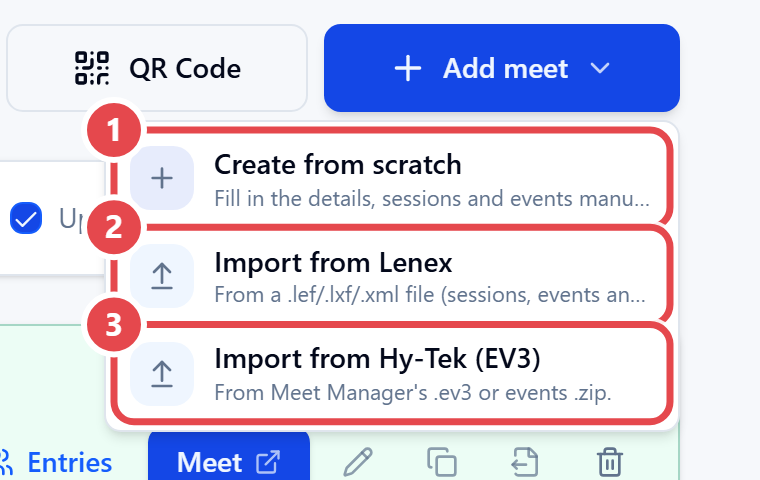
- Click Add meet ① and choose one of three options:
- Create from scratch — opens a blank New Meet form.
- Import from Lenex — from a
.lef,.lxfor.xmlfile. - Import from Hy-Tek (EV3) — from an
.ev3file or a Hy-Tek events.zip.
- When importing, check the Import meet (Lenex) preview, with the number of sessions, events and age groups found, and confirm.
- When Meet created appears, click Open events to review what came from the file.
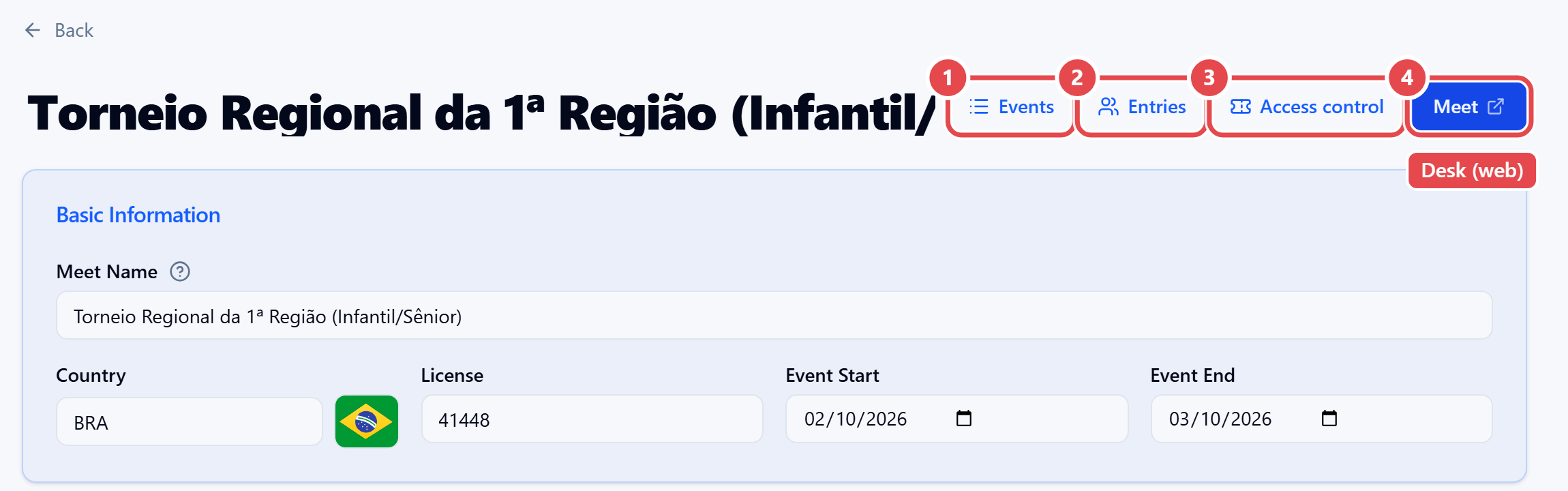
The meet page header has the shortcuts Events, Entries, Access control and Meet; the last one opens the web version of the meet desk in a new tab.
More on files from other systems in Imports.