How to use this manual
The manual follows the order of a meet, from installation to after the event. Read it from the start or jump straight to the chapter for the task at hand.
- Search — use the search box to find a term, a button or an on-screen message.
- Language — the manual is available in Portuguese and English; use the language toggle to switch. Button names follow the chosen language, as in the system’s interface.
- Links — references to other chapters are clickable and take you straight to the section.
Conventions:
- Buttons, tabs, fields and window titles are highlighted, like Make official.
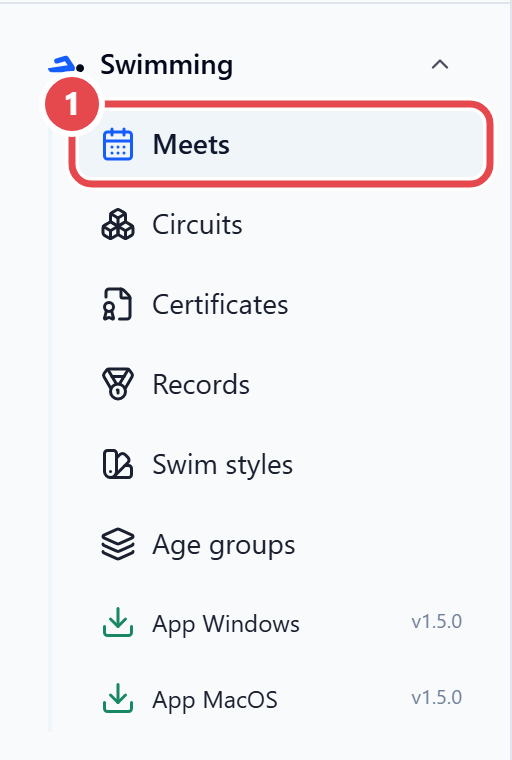
- Menu paths use the › sign, like Swimming › Meets.
- Files and addresses are in a fixed-width font, like
.lxf. - Result statuses are shown as codes, like
DSQ.