Basic information and settings
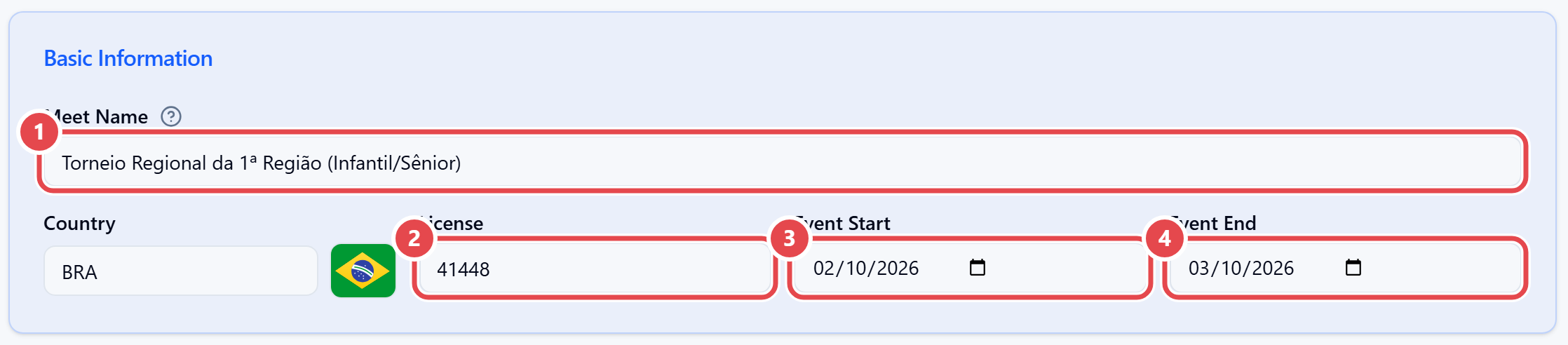
Basic Information. Fill in Meet Name ① (used in report headers, on the entry page and in athletes’ history), Country, License ②, Event Start ③ and Event End ④. The Organization field only appears for users who manage more than one organization.
Settings.
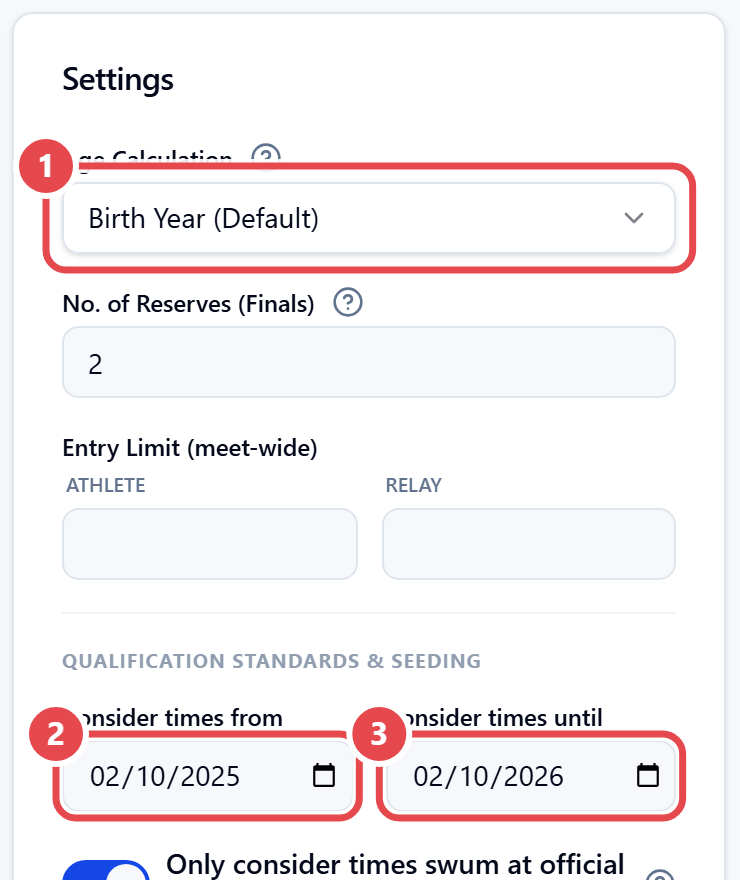
- Age Calculation — Birth Year (Default) or Age at Meet Date. Use Age basis date when age must be counted on a specific date.
- No. of Reserves (Finals) — how many reserves are listed right after the finalists.
- Entry Limit (meet-wide) — per athlete and per relay.
- Qualification Standards & Seeding — the window of accepted times: Consider times from and Consider times until. Tick Only consider times swum at official meets to ignore times from non-official meets.
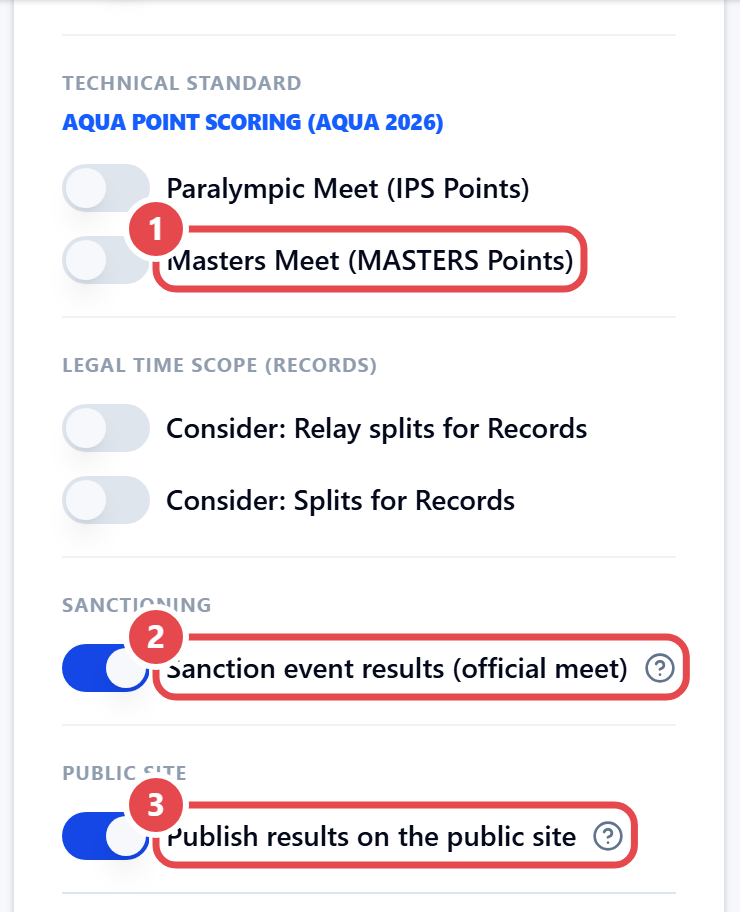
- Masters Meet (MASTERS Points) and Paralympic Meet (IPS Points) — turn on the matching technical points.
- Sanction event results (official meet) — turn off for non-official meets: times will not be made official in the athletes’ history.
- Consider: Splits for Records and Consider: Relay splits for Records.
- Public Site — Publish results on the public site. When off, only the Results tab goes offline; the meet stays on the calendar.
- Left, right and footer logos for reports — without the meet’s own logo, reports use the organization’s.