

Tools, standards and late entries
The Tools menu on the Athletes tab offers:
- Update entry times — looks up each athlete’s best time in the history and applies it as the entry time.
- Copy relay times.
- Validate entries against standards.
- Fix age groups — revalidates the age group of every entry from age and functional class.
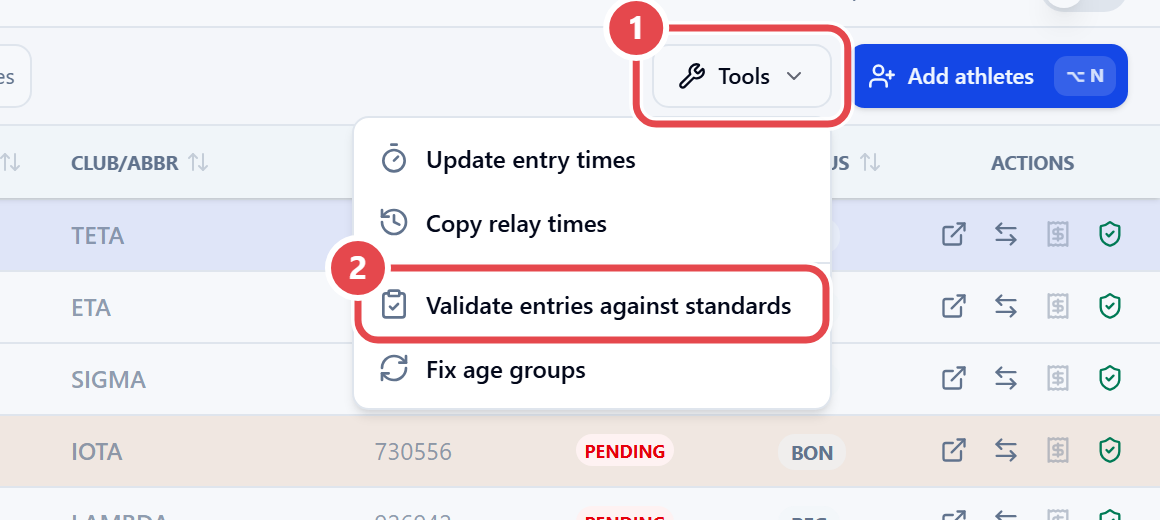
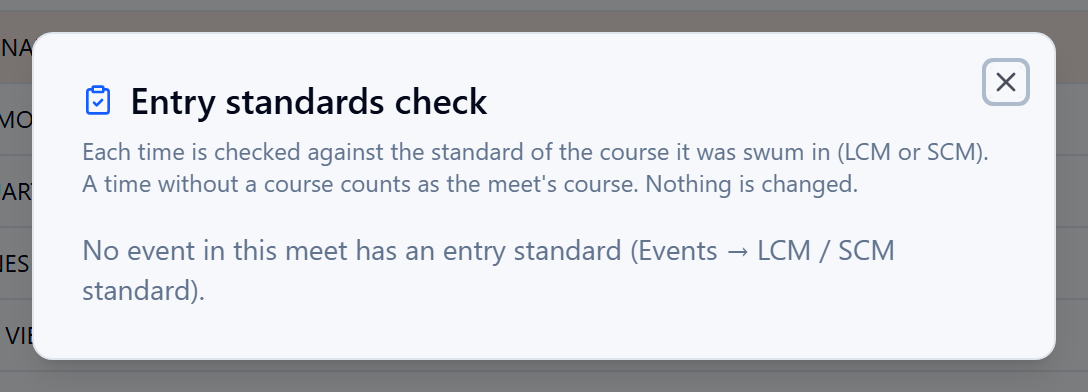
Validate entries against standards opens the Entry standards check: each time is compared with the standard for the pool where it was swum (LCM or SCM). Entries are flagged Slower than standard, No time or No standard for course. Nothing is changed — the check only points things out.
Late entries (LT)
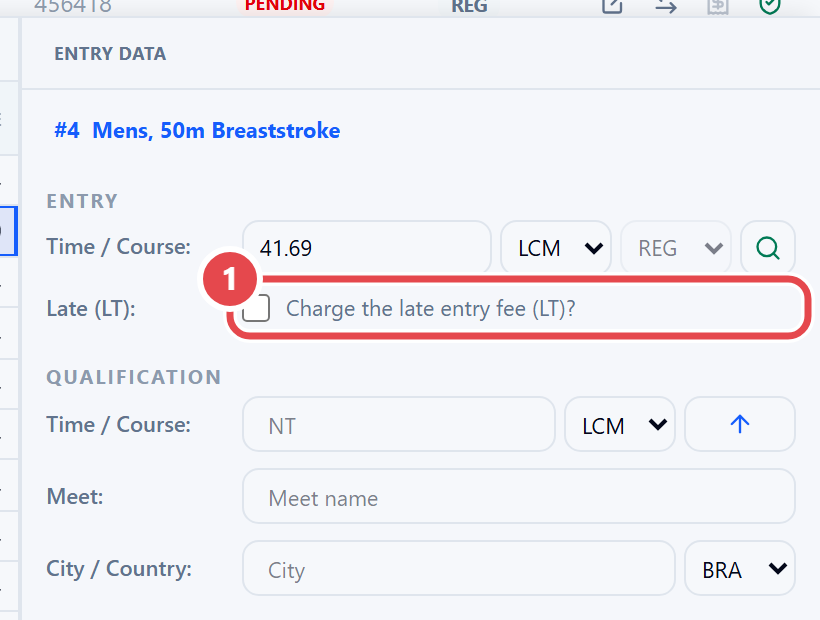
Section titled “Late entries (LT)”In the athlete’s event list, right-click the entered event and choose Mark as a late entry (LT). In the Entry data panel, the Charge the late entry fee (LT)? box decides whether the late fee is charged.
Times from another pool
Section titled “Times from another pool”A time swum in a pool different from the meet’s shows a letter next to it: L (long course), S (short course) or Y (yards). When seeding by entry time, athletes with no time come first, then times from another pool, then times from the meet’s pool; the blocks are never mixed (see Seeding).