

Certificates
Certificates are built in the web admin, under Swimming › Certificates. One template can serve many meets.
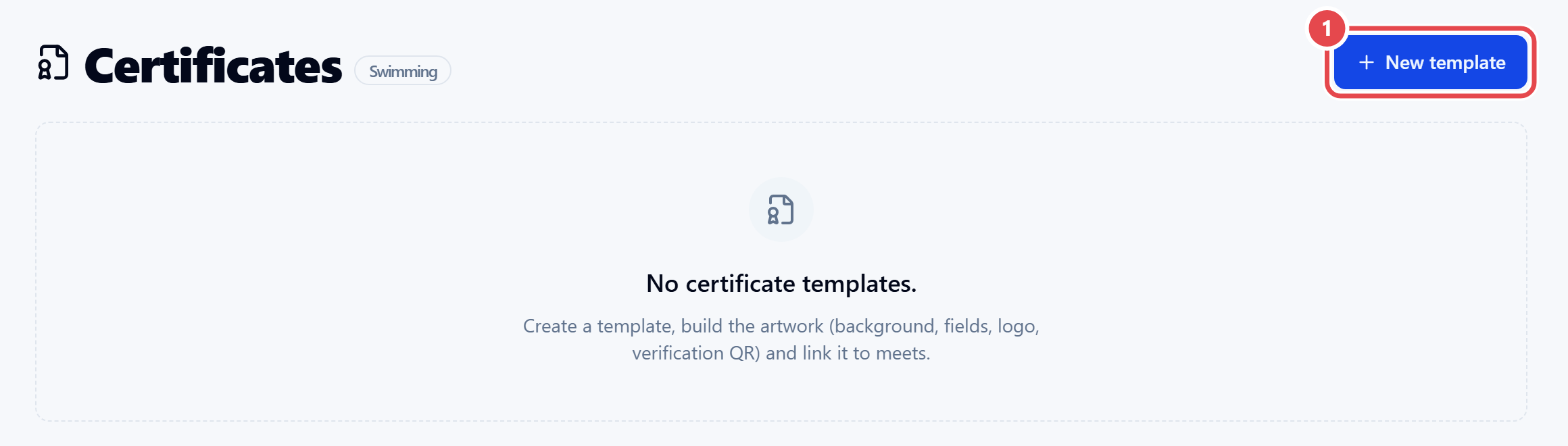
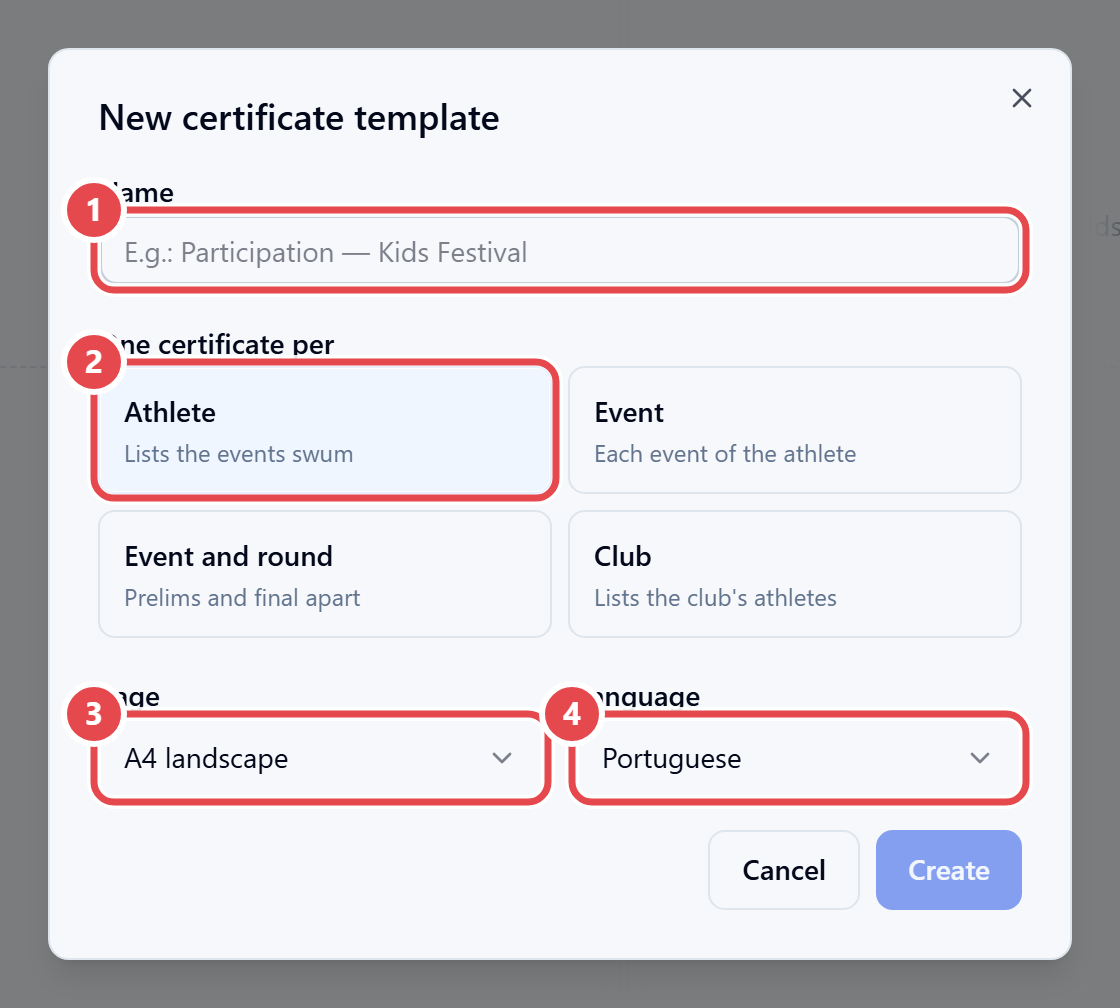
- Click New template. Enter the Name ①, choose One certificate per ② (Athlete, Event, Event and round, or Club), the Page ③ and the Language ④, and click Create.
- Click Open designer. Upload the background image and drag onto the page the
{{…}}fields, the logo, the verification QR, shapes and the results table. - Under Who receives, set what the athlete Must have (an entry, having swum the event, or a valid time), Only up to place, and whether Relays count.
- On the Meets tab, click Link to attach the template to meets.
- Click Issue, select the certificates and click Generate PDF.
Athletes can also download their own certificates in Athlete Portal › Certificates. Results only count once the heat or event is official. The QR checks validity live: if the result changes, the certificate shows as “sem validade” (no longer valid).