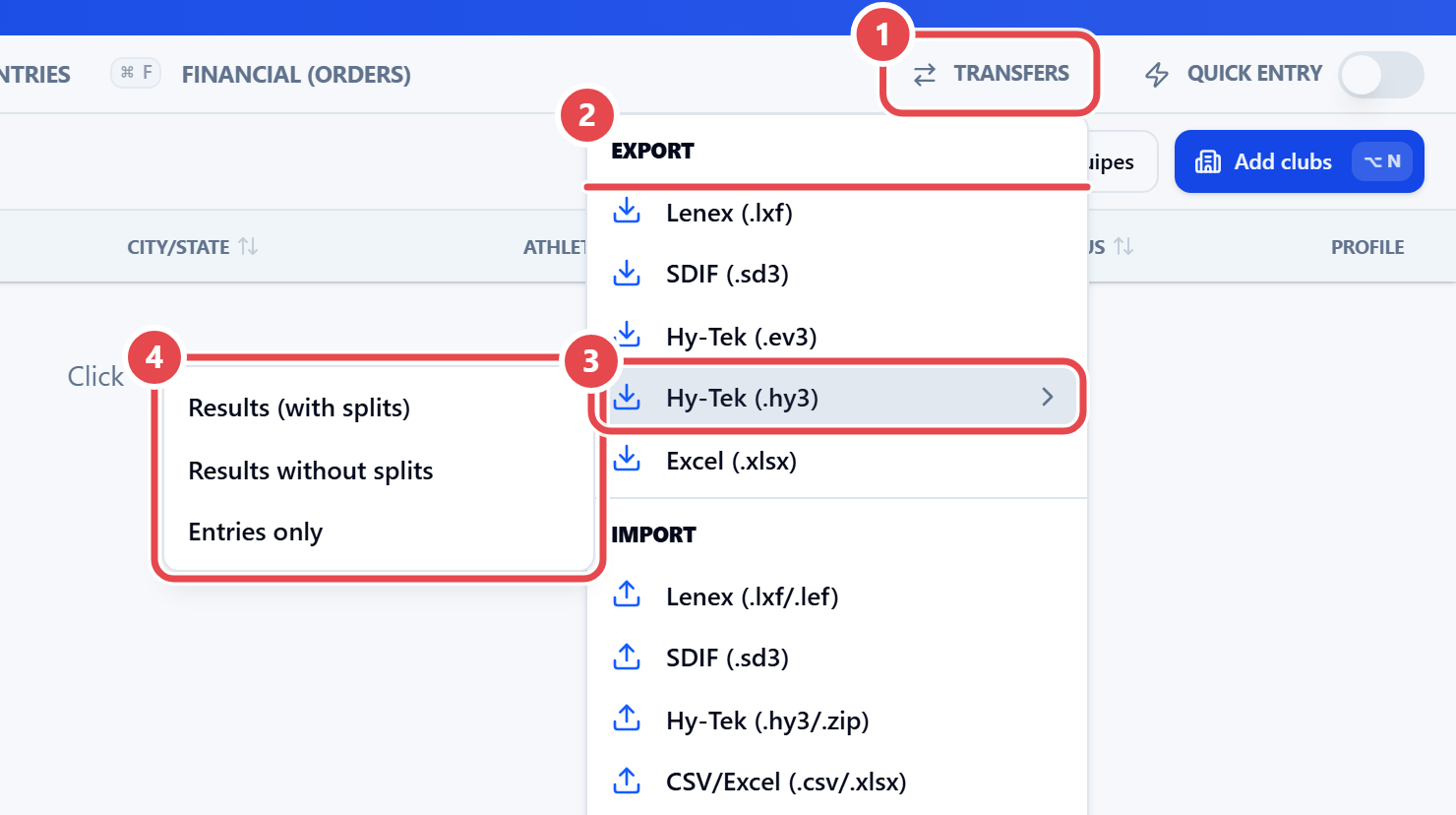
Where to export
File exports are available in two places, with the same options:
- Web admin: open the meet, click Entries, then Transfers ①, Export section ②.
- Desktop app: on the toolbar, click Transfer › Exports.
- Open the export menu in one of the places above.
- Choose the format.
- For Lenex and HY3, choose what to include.
- Save the file.