

Reports in the Results menu
The Results button on the toolbar opens:
| Report | Content |
|---|---|
| Results | Event results |
| Broken Records | Records from the meet |
| Medals by Event · Medal Table · Medals by Club | Medals |
| Results by Club (Summary) · Results by Club (Detail) | Results grouped by club |
| Club Points · Athlete Points · Athlete Points (AQUA) | Points |
| Management Report | Management overview of the meet |
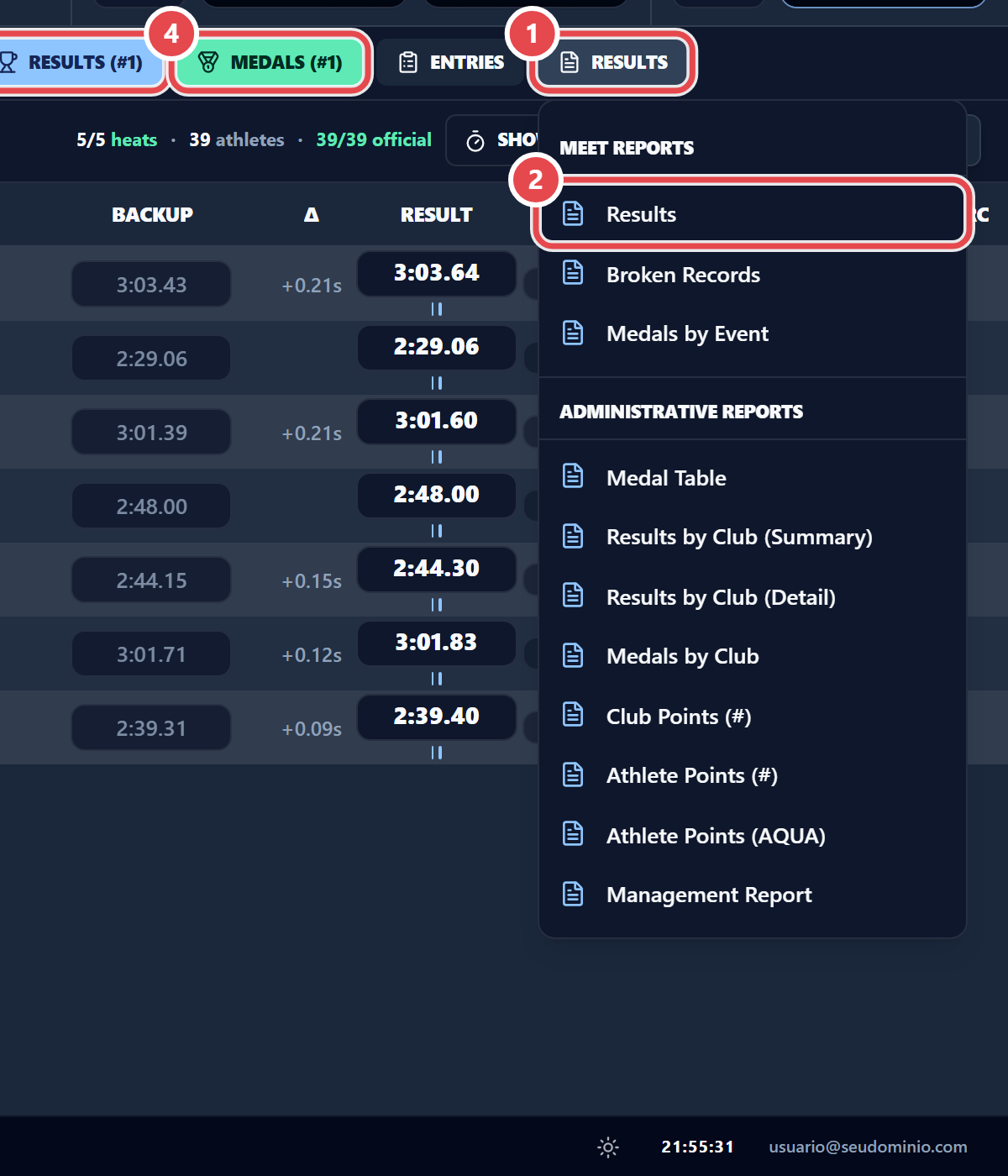
The quick buttons Results (#n) ③ and Medals (#n) ④ open the current event only. While any heat is not official, the report is marked as partial. Places appear once the age group or the whole event is official; until then the column shows “—” (see Running the meet).