

Records and certificates
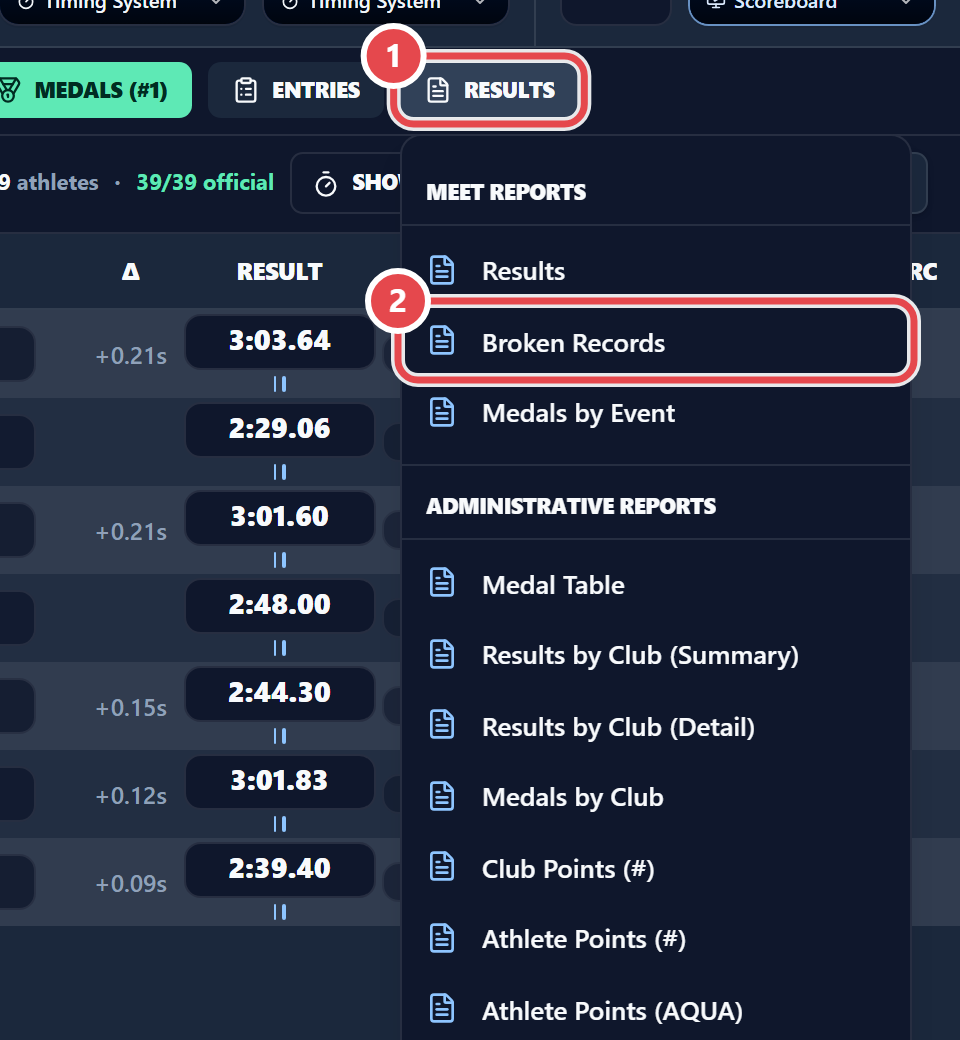
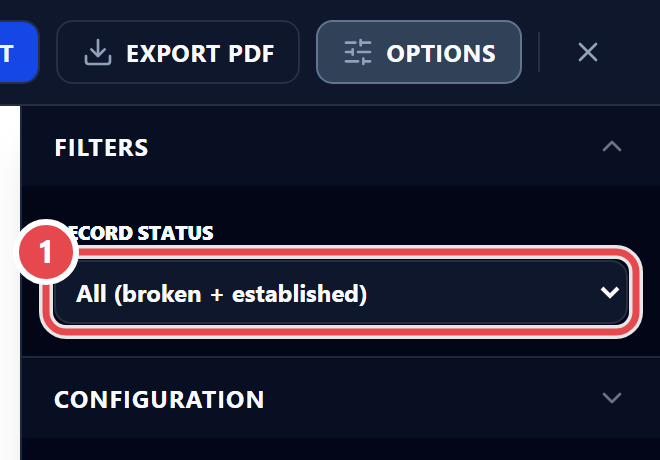
The Broken Records report, in the Results menu, lists the records of the meet. Pick the filter:
- All (broken + established)
- Broken only
- Established only
If the meet settings have Auto-assign new records switched on, new records are assigned automatically (see Points, records and documents). Check the report before announcing the records.
Athlete certificates are issued in the web admin, under Swimming › Certificates. One template can serve several meets. See Exports and reports.