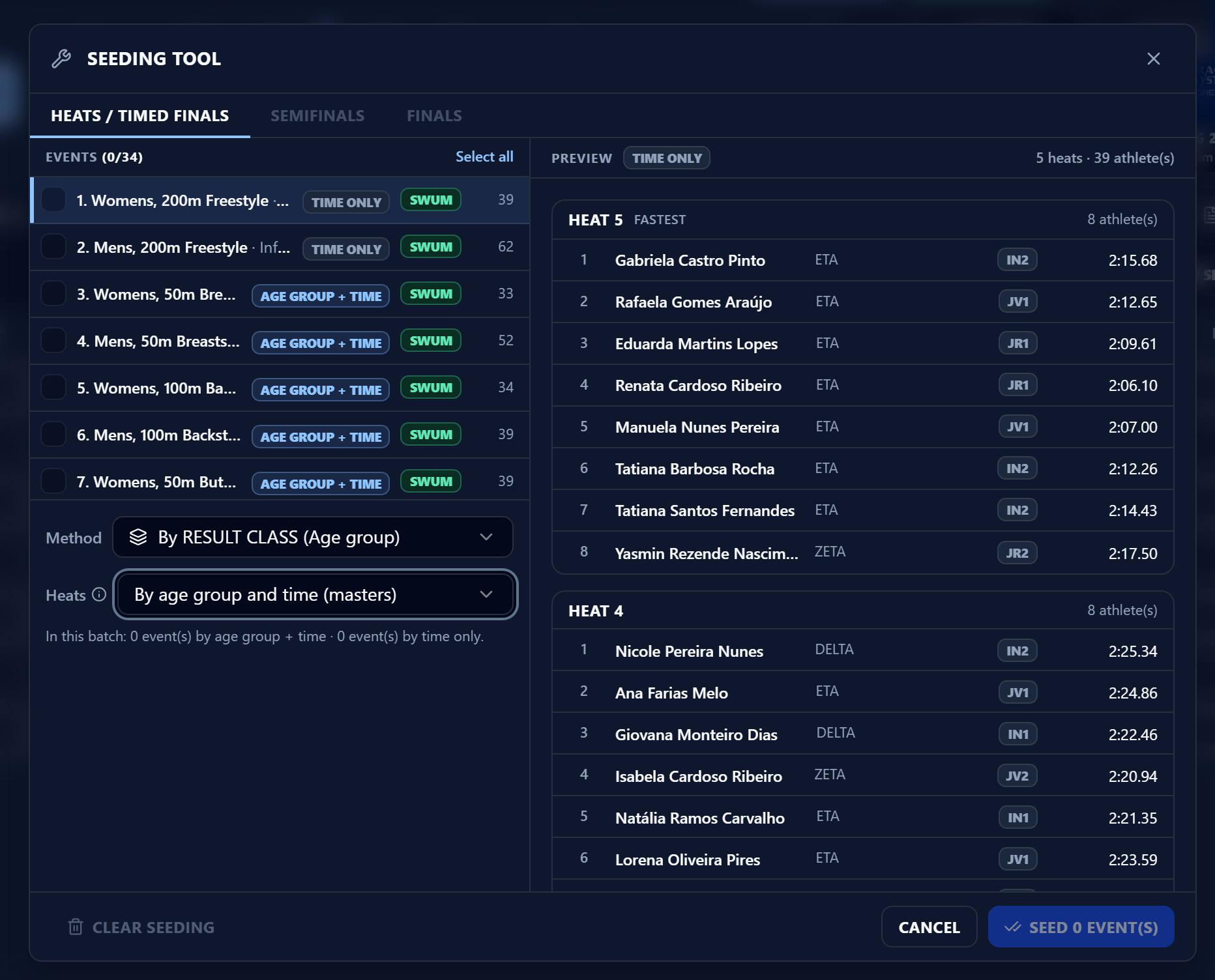
Methods and heats
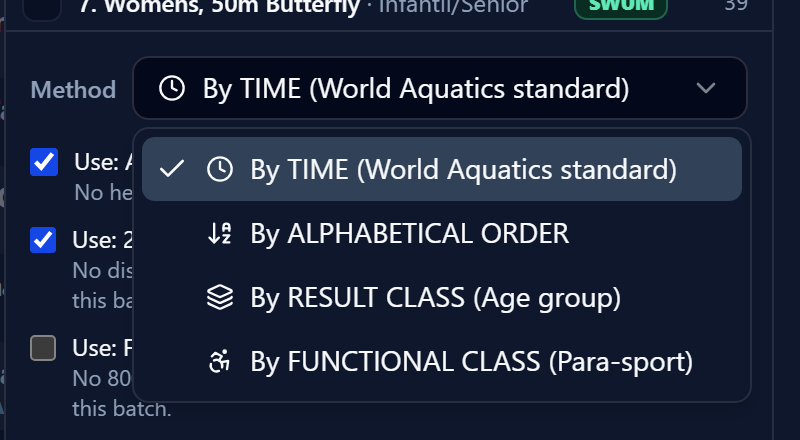
Under Method, choose how swimmers are placed:
- By TIME (World Aquatics standard)
- By ALPHABETICAL ORDER
- By RESULT CLASS (Age group)
- By FUNCTIONAL CLASS (Para-sport)
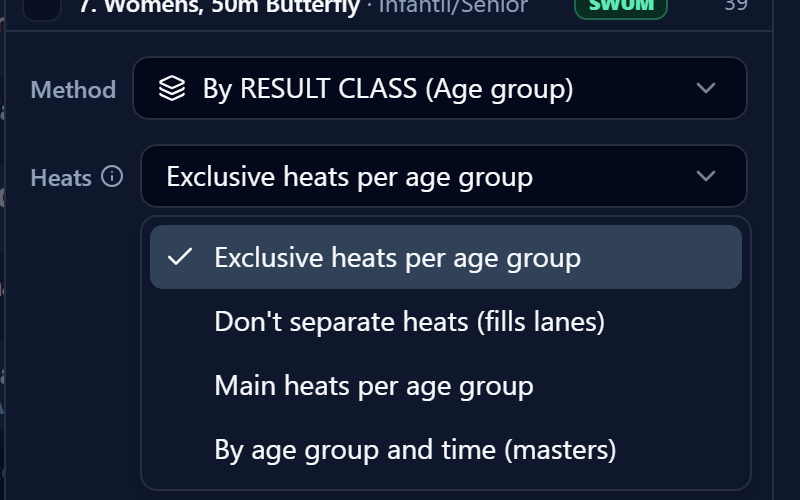
The two class-based methods add a Heats field:
- Exclusive heats per age group: Each age group swims only in its own heats; two age groups never share a heat.
- Don’t separate heats (fills lanes): Follows the age-group order, but leftover lanes at the boundary are filled with the neighbouring age group.
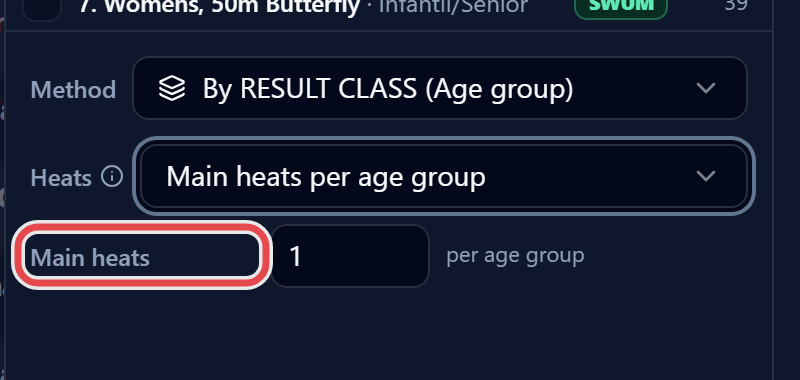
- Main heats per age group: Each age group gets the chosen number of Main heats (its fastest); everyone left over is combined into the heats at the start of the event.
- By age group and time (masters): See below.
Masters swimming
Section titled “Masters swimming”With By age group and time (masters), heats start with the OLDEST age group and, within each group, run from slowest to fastest. Individual events of 200 m or longer and relays with legs of 100 m or longer are seeded by time only. Each event in the list shows an Age group + time or Time only badge; click it to switch that event’s rule.