

GC and LED screen control
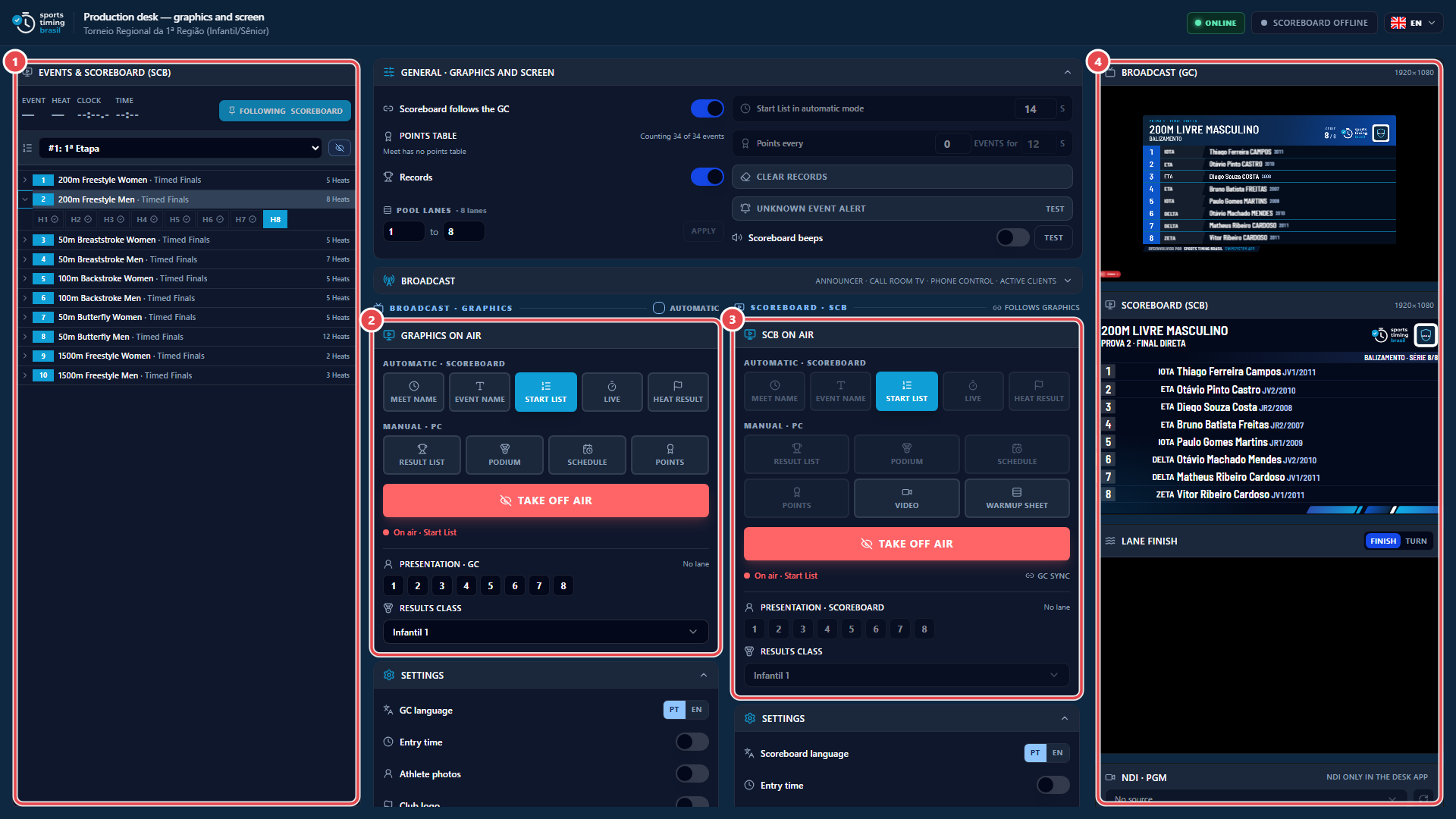
The control screen drives two outputs: the GC (graphics over the broadcast video) and the LED screen (scoreboard). Open it from Meet › Open display/broadcast settings. To project an output on a screen of this computer, use Open GC projection (HTML) or Open SCB projection (HTML).
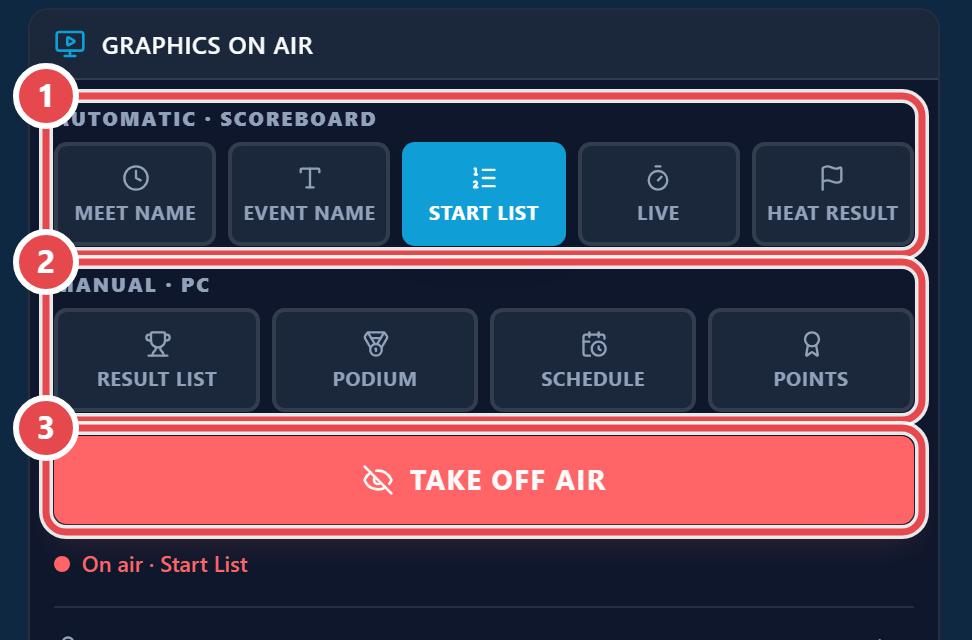
Scenes come in two groups:
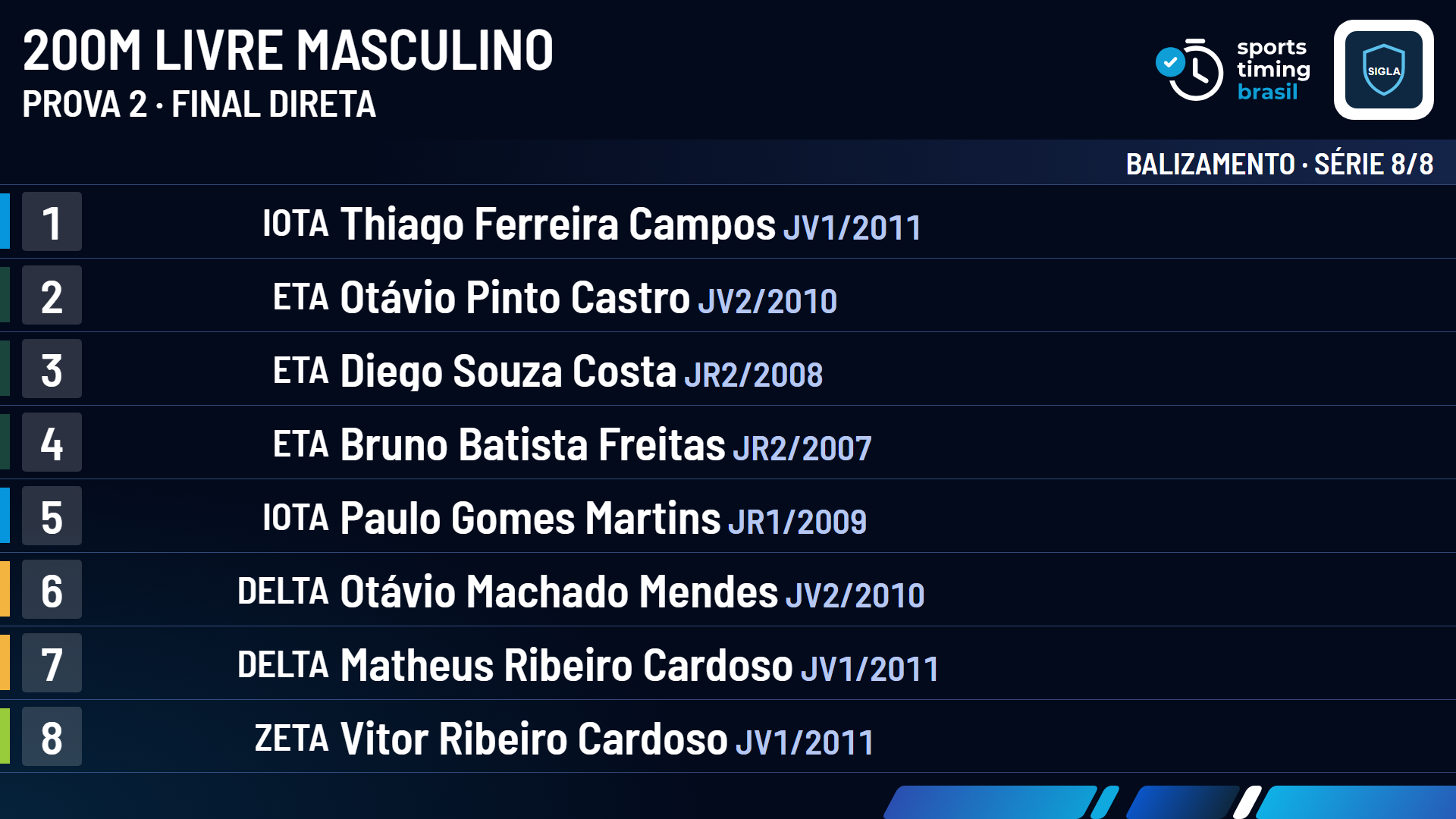
- Automatic · scoreboard: Meet Name, Event Name, Start List, Live and Heat Result. They are driven heat by heat by the timing system.
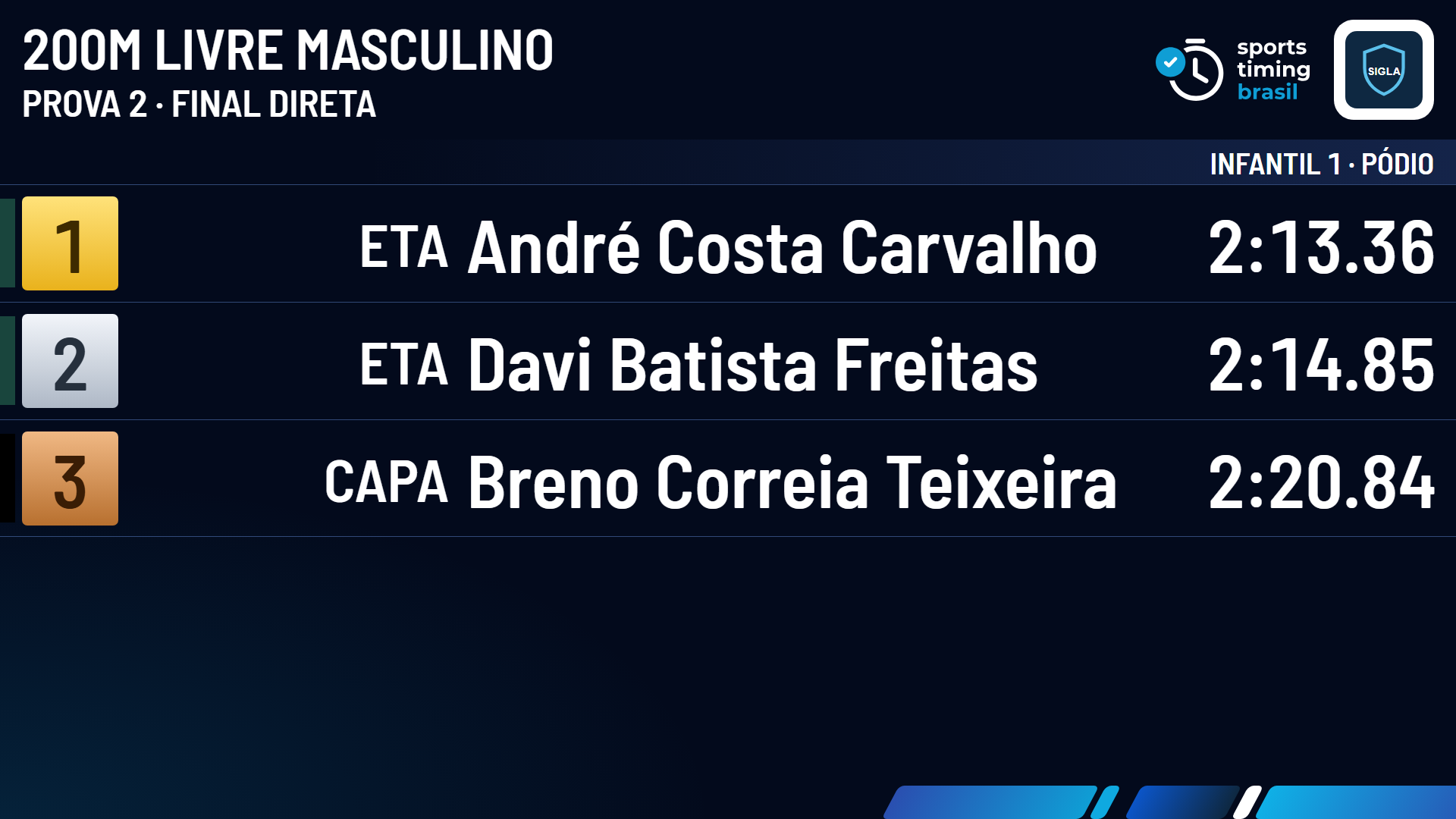
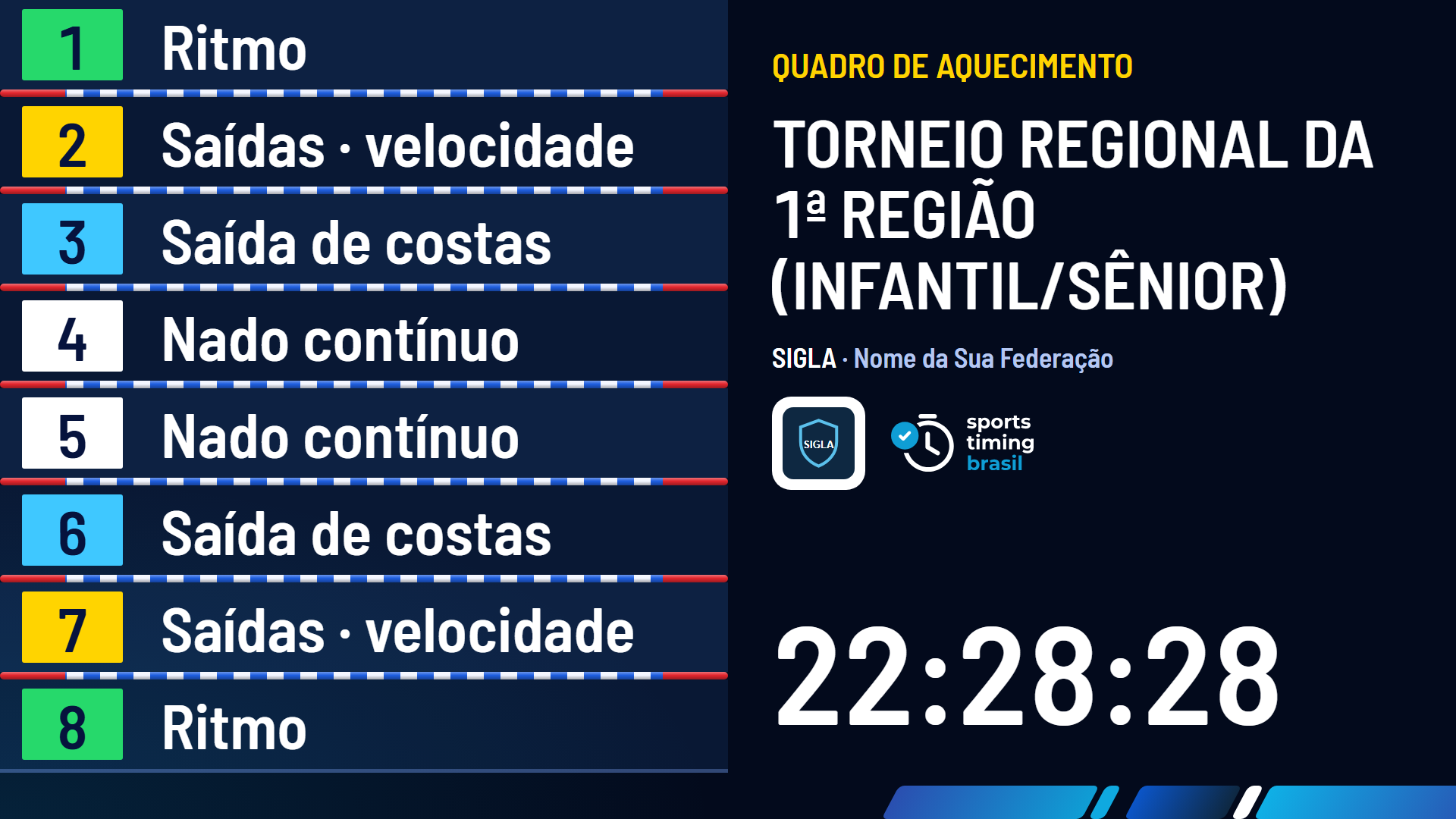
- Manual · PC: Result List, Podium, Schedule and Points; on the LED screen also Video and Warmup Sheet. They go on air only when the operator picks them.
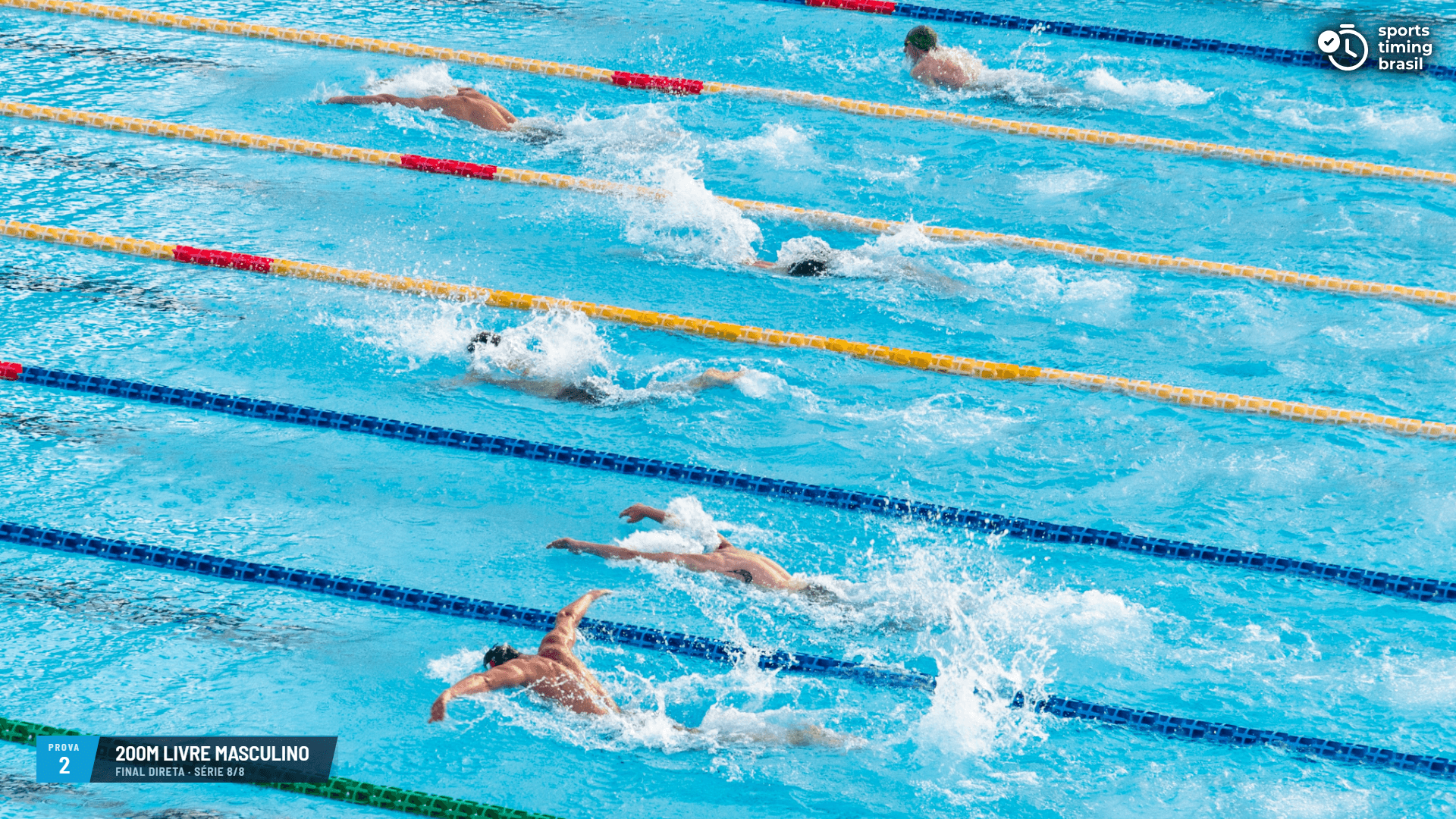
The GC for each scene, over the pool video (the output language is a meet setting, so these examples are in Portuguese):
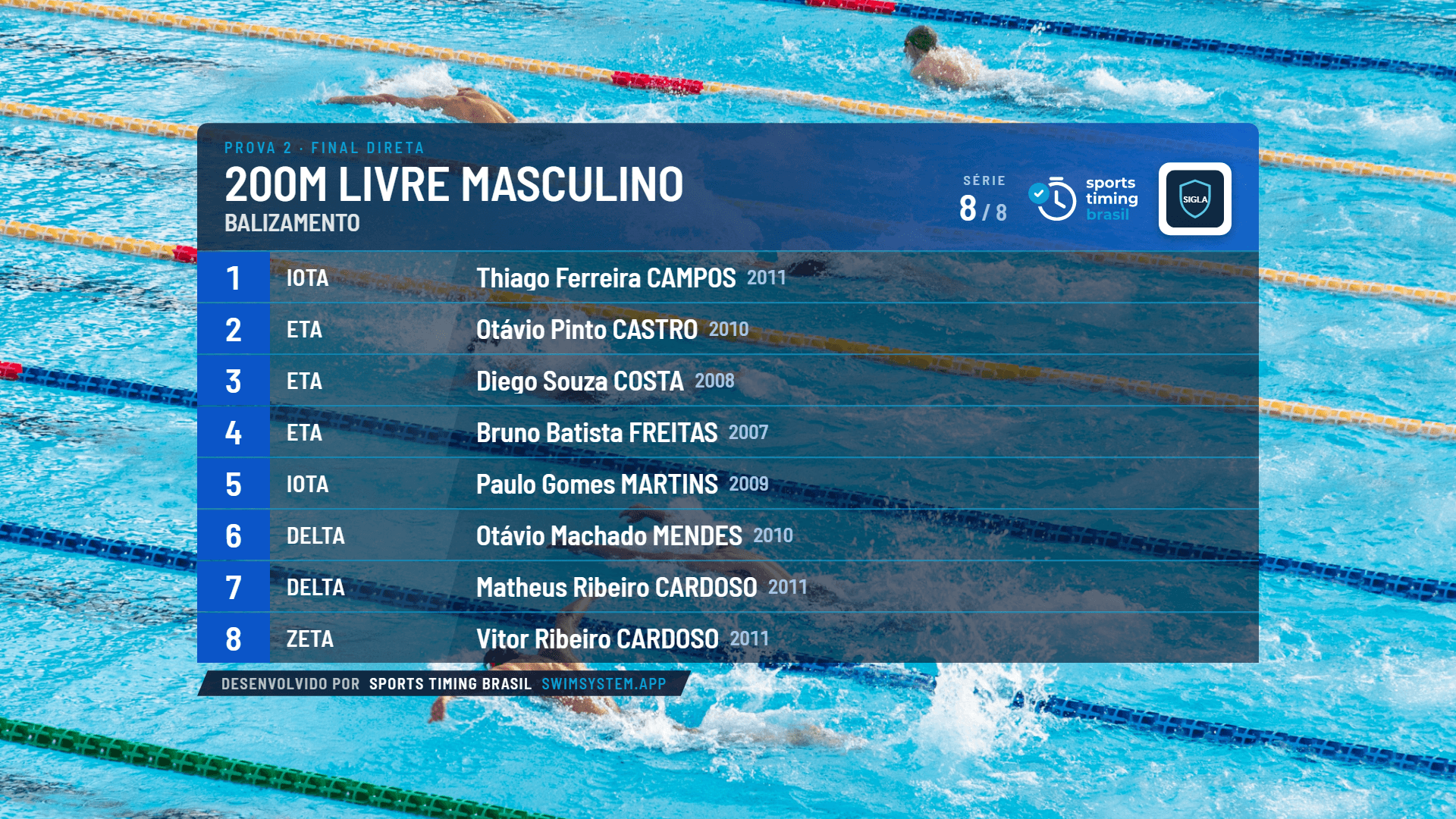
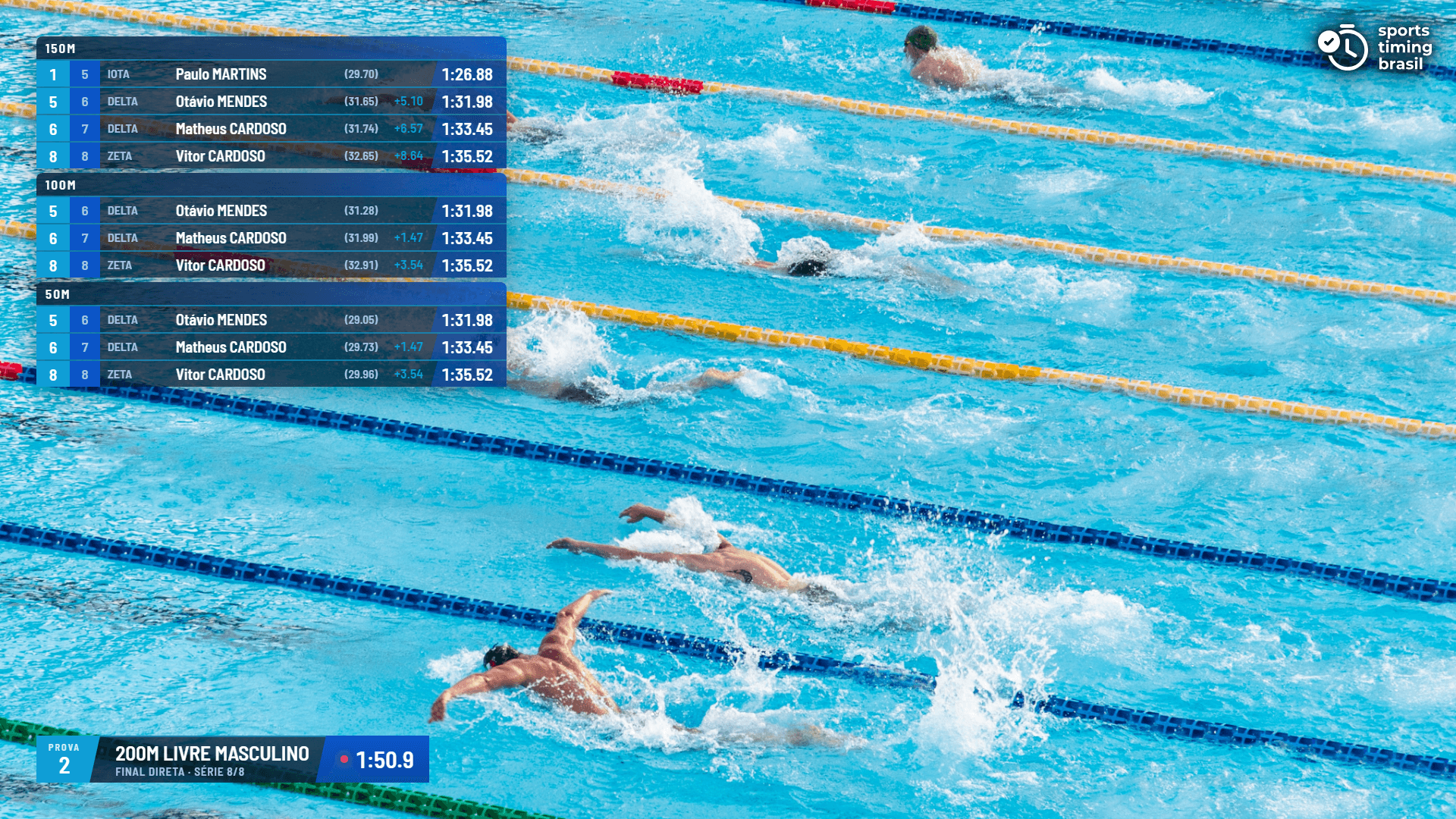
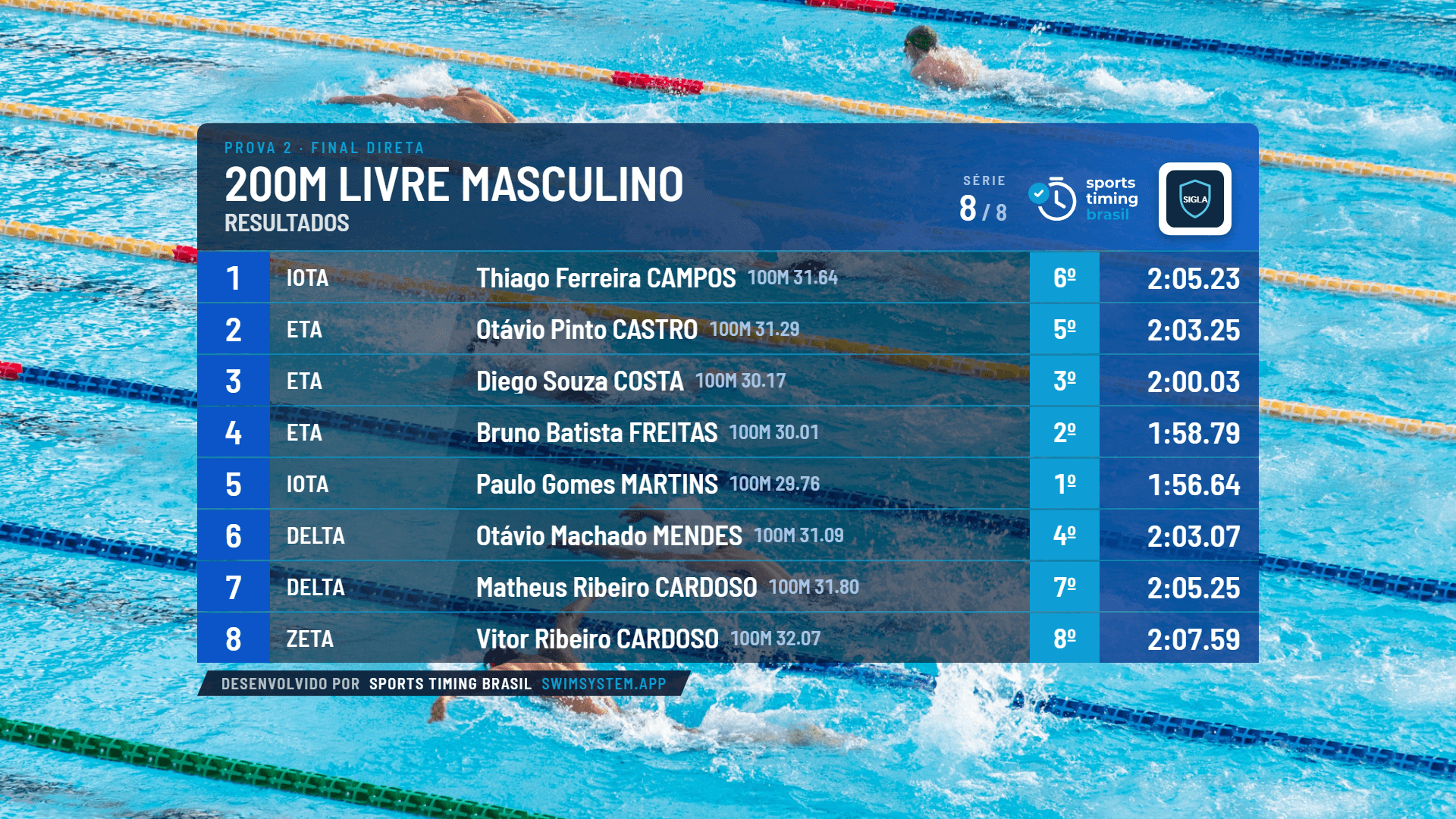
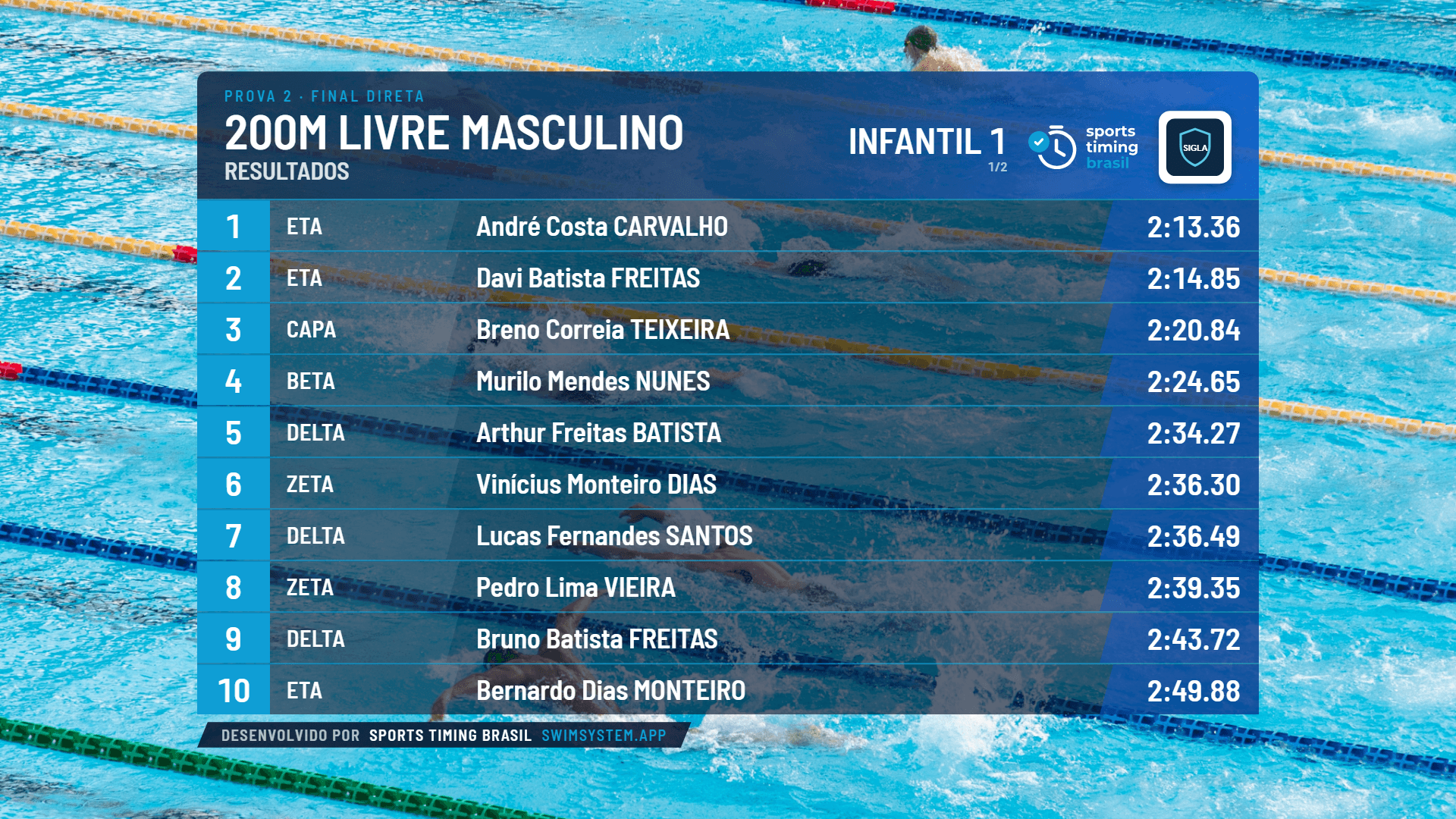
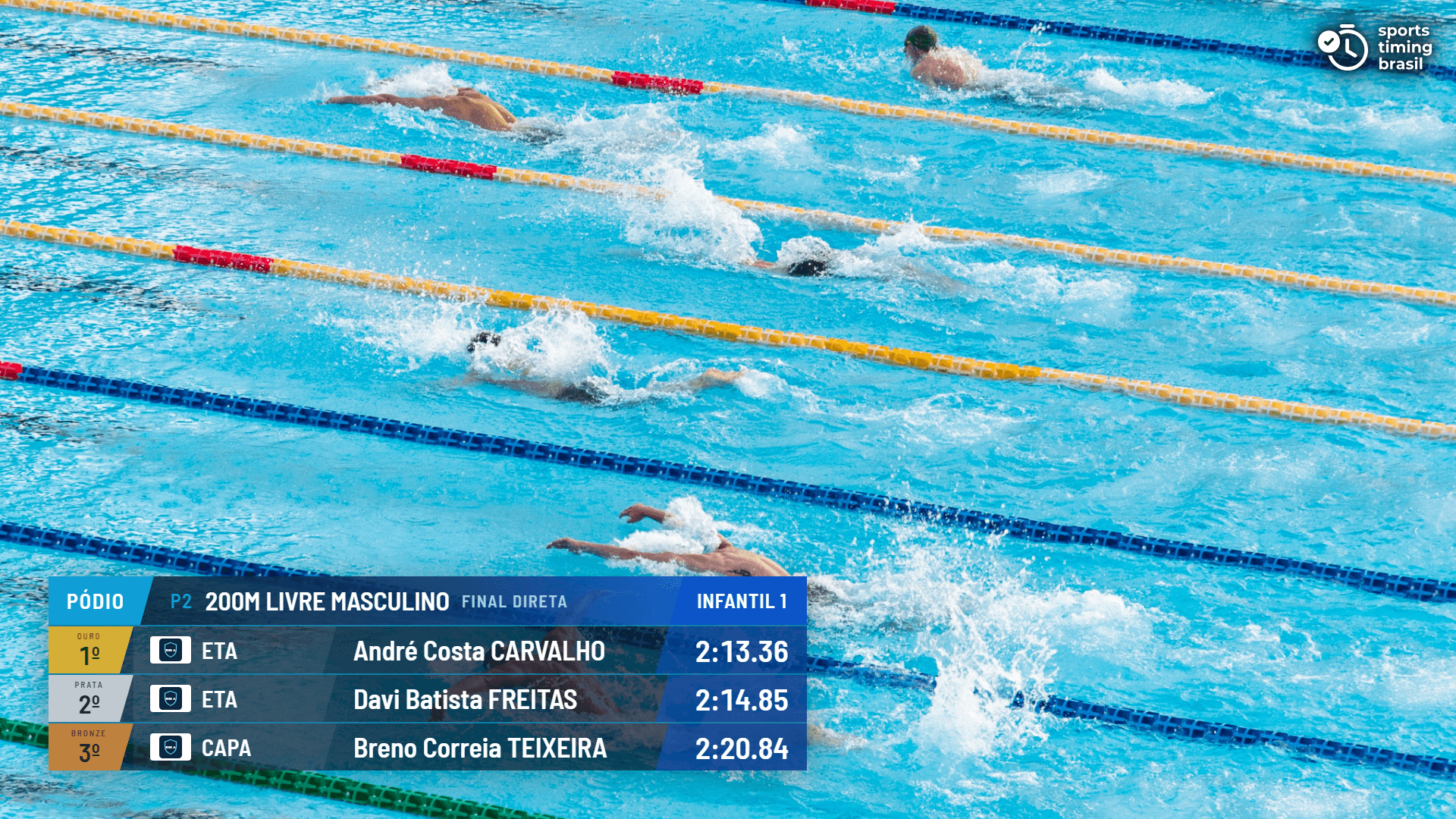
And the LED screen (Full-colour template):
There is also the Lane Finish output: names and times drawn over the lanes in the video, calibrated for each camera.