

SW · Swimming
SW Module: SwimSystemAppDesktop app · Windows and macOS
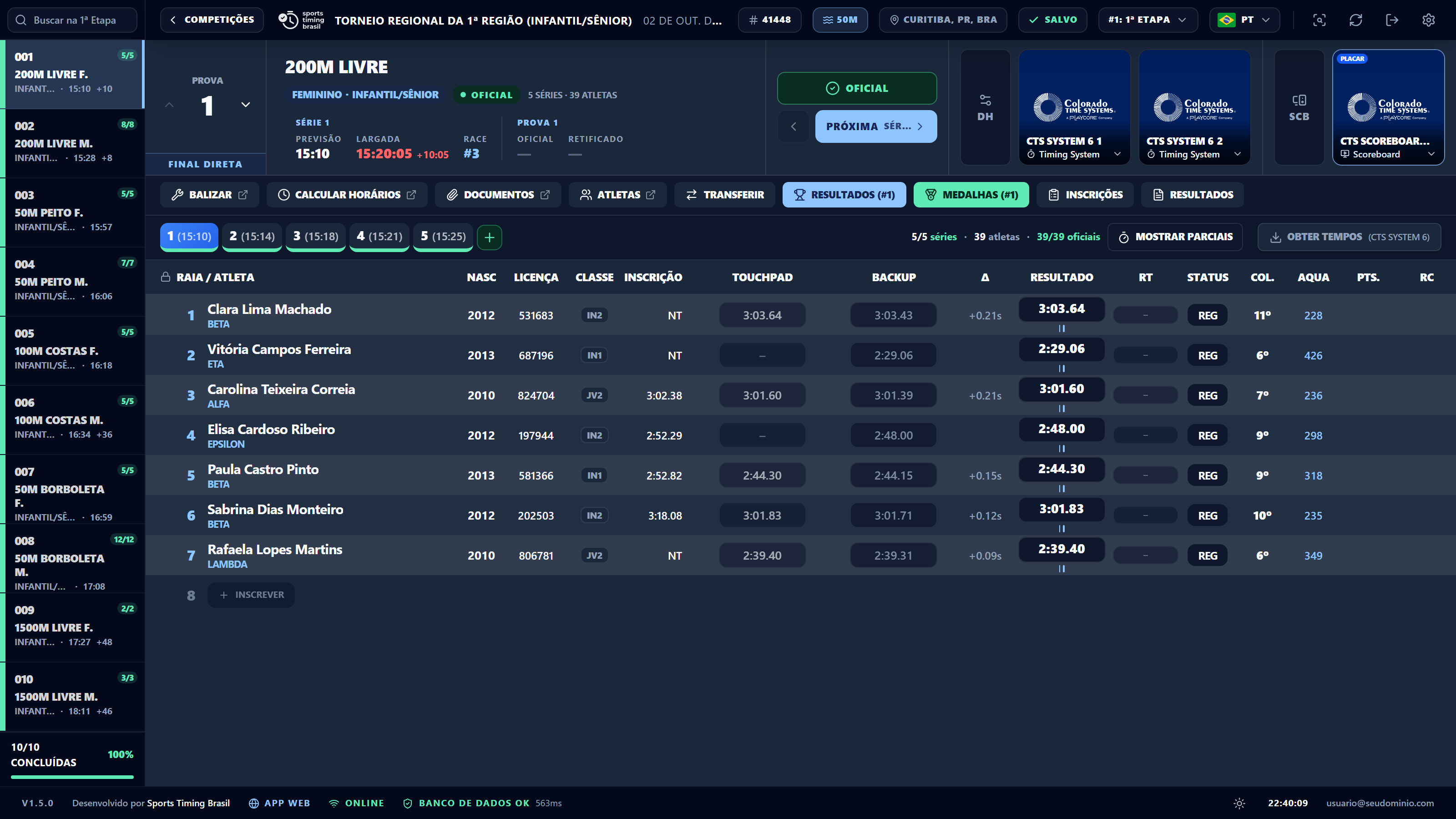
Welcome to the swimming module!
A meet in this sport on the SwimSystemApp platform goes through two separate tools, used at different moments of your event:
- The web admin panel (the Swimming group in the sidebar), where the organization registers the meet, sessions, events, age groups, fees, deadlines and scoring tables, and receives the entries that clubs make in the coach portal.
- The desktop app, SW Module: SwimSystemApp, installed on the control desk computer. It downloads the meet, works without internet and is where the racing happens: seeding, reading the timing system and scoreboard, making heats official, reports, broadcast graphics, video board, announcer and call room — with results going live to the website.
The usual path is: set up in the admin → receive entries → download the meet to the desktop app → seed → run the heats with the timing system → make them official → reports and upload to the cloud.
InstallationDownload, install, sign in and keep the app up to date.
Preparing the results deskDownload the meet, sync, local network, timing systems and scoreboards.
SeedingHeats and lanes, finals, ties, withdrawals and late entries.
Running the meetTimes, statuses, making heats official, checks and revisions.
LiveWebsite, scoreboard, GC and video board, announcer and call room.
After the meetSend everything, release, export, records and certificates.
TroubleshootingLocal database backups and the most common questions.