

Preparing the results desk
How to get the desk computer ready before the meet: download and reserve the meet, understand saving and sync, connect other computers over the local network, and set up timing systems (DH) and scoreboards (SCB). This chapter is for the results operator.
Choose the meetAfter you sign in to the app (see Installation), the first screen is the meet list. It shows meets from the last and next 7 days, plus every meet…
Download and lockFrom now on the meet is reserved to this computer: while it is downloaded here, no other computer can download it. Clicking the badge again downloads…
Saving and syncEverything you do at the desk is saved on the computer first and then sent to the cloud automatically. You never need to save by hand.
Working without internetOnce the meet is downloaded, the desk works without internet: events, heats and results keep being saved on the computer and are uploaded on their own…
Local network with several computersOne computer is the main computer: it has the meet downloaded and serves the others over the local network. The other operators work in a browser, and…
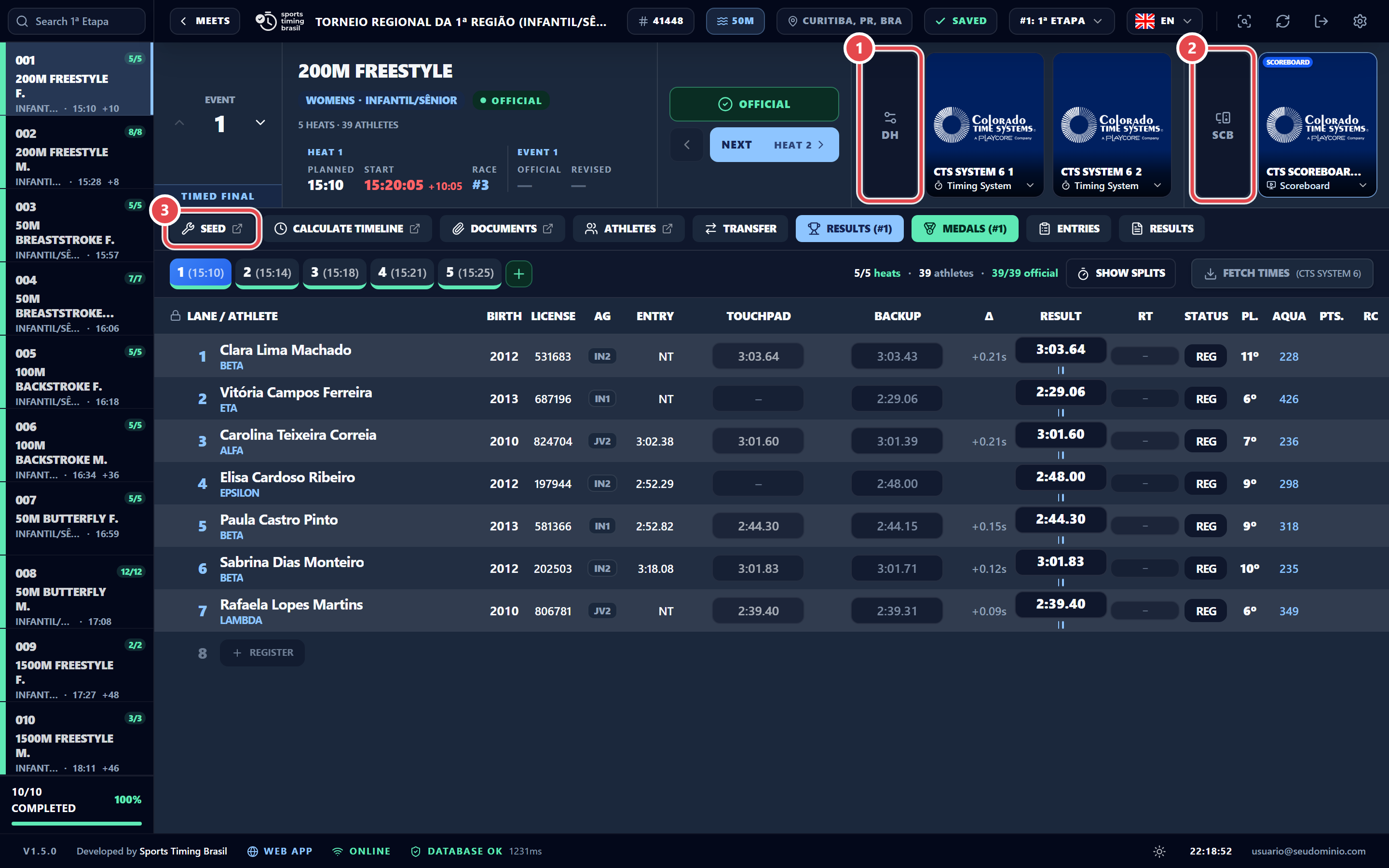
Timing systems (DH)On the desk toolbar, the DH button opens DH · Data Handling. Click Add system and pick the model and connection type. Make primary sets which system…
Scoreboards (SCB)The SCB button opens SCB · Real Time Data (RTD). Click Add scoreboard and choose its role: