

Download the app
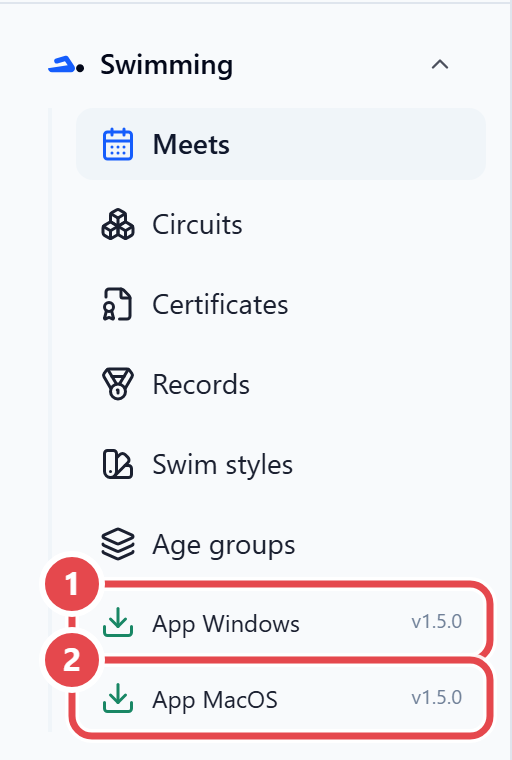
The desktop app is called SW Module: SwimSystemApp. It is available for Windows (.msi installer) and macOS (.pkg installer). The download is inside the web admin.
- Sign in to the web admin with your account.
- In the sidebar, open the Swimming group.
- Click App Windows or App MacOS, matching the desk computer’s operating system.
- Save the installer on the computer.
If no version has been published for that system yet, the message Download indisponível (download unavailable) appears.