

OW · Open Water
OW Module: SwimSystemAppDesktop app · Windows and macOS
Welcome to the open water module!
A meet in this sport on the SwimSystemApp platform goes through two separate tools, used at different moments of your event:
- The web admin panel (the Open Water group in the sidebar), where the organization registers the meet, events, age groups, starts (waves) and points tables, and receives the entries.
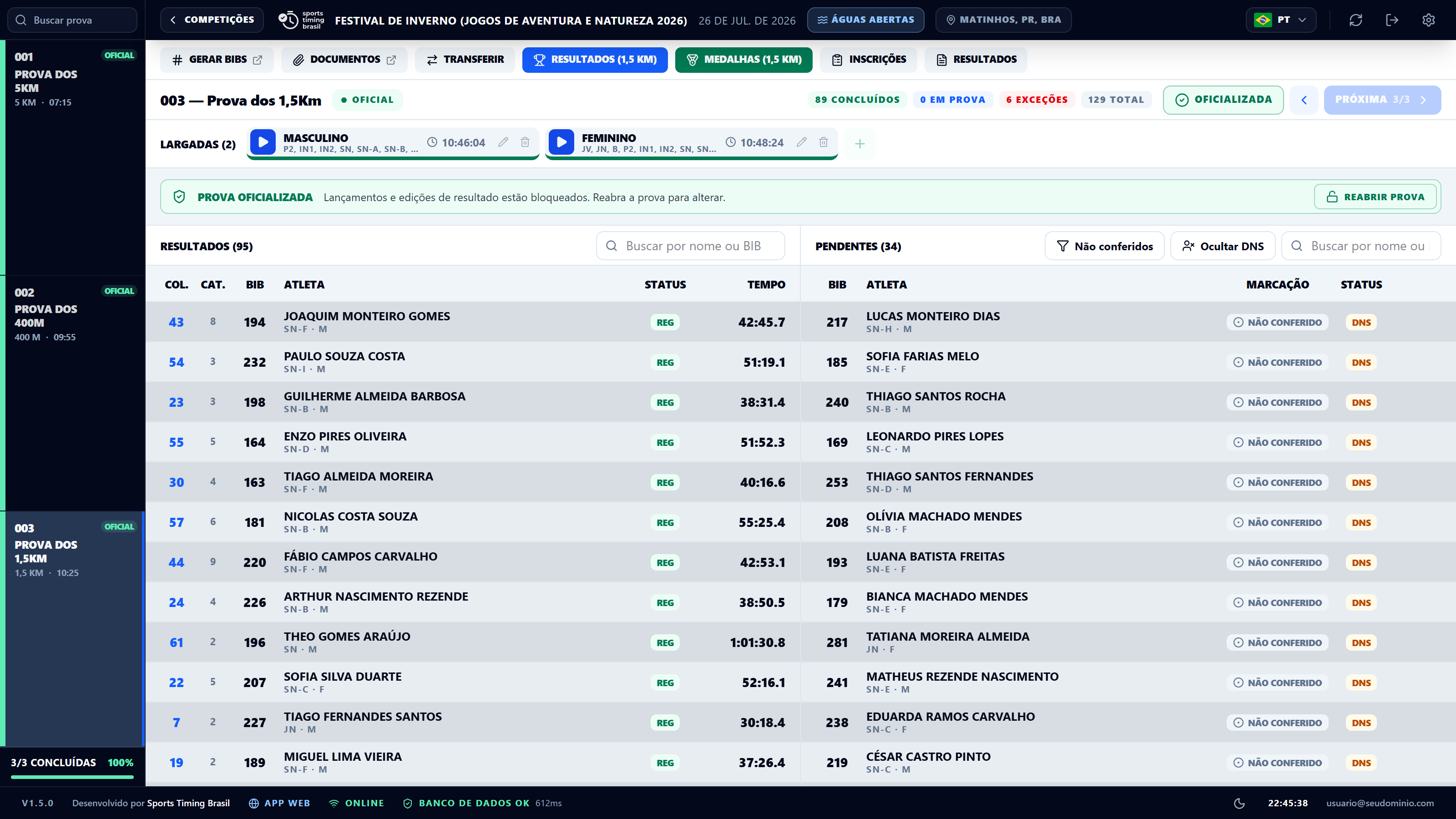
- The desktop app, OW Module: SwimSystemApp, installed on the control desk computer. It downloads the meet, works without internet and coordinates the tablets and devices on the beach over the local network: check-in, marking, manual finish timing, relays, reports, broadcast graphics and venue screen.
The usual path is: set up in the admin → receive entries → assign bib numbers → download the meet to the desktop app → check-in and marking → starts and finishes → set events as official → reports and upload to the cloud.
Setting up the meetGeneral data, team mode, events, age groups, starts, scoring, fees and circuits in the web admin.
Entries and bibsThe admin entries screen, categories, relays, imports and bib numbering.
The desk: app and local networkInstalling OW Module, downloading the meet, the hub and pairing network devices.
Check-in, marking and supervisorRegistration review on arrival, marking before the start and entry changes at the desk.
ResultsStarts, finishes by bib, statuses, relays, setting events as official and reports.
Broadcast: graphics and venue screenThe production desk, scenes, OBS and the internet link.
SGE MAR (CBDA)Import championships from SGE MAR 3.0 and send results back, Windows only.
Local database backupsFull copies of the desk database and how to restore them.