Call room (tablets)
Call-room staff use the tablet app Balizamento. In it they mark who has arrived for each heat, check each relay squad and release the heat to the pool. Several tablets can work at the same time.
Call request
Section titled “Call request”- An athlete is missing: on the tablet, staff tap the bell.
- The request appears in the announcer’s Calls panel, with event, heat and lane.
- The announcer calls the athlete and clicks Called.
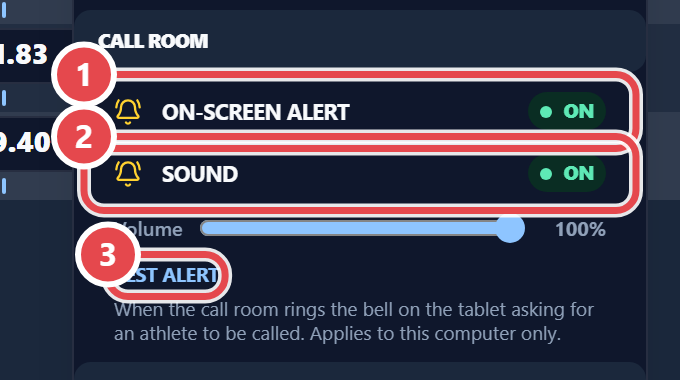
The desk can alert you too. Under Settings › Call room, set On-screen alert, Sound and Volume, and use Test alert to check them. This setting applies to this computer only.