

Heat by heat
This is the cycle you repeat for every heat during a session.
- Click the event in the list on the left, then click the heat tab.
- Check the seeded lanes. Scratch anyone who will not swim before the start (status
WDR; see Statuses). - Let the heat swim.
- Click Fetch Times to bring in the times from the timing system marked as primary. Without timing equipment, type the times in the Result column.
- Read the warnings: the app lists lanes without a time and lanes without an entry. If the race received belongs to another event or heat, it asks before applying it (Apply anyway).
- Set statuses (
DNS,DSQ…) where needed. - Click Set Heat N as Official (see Making results official).
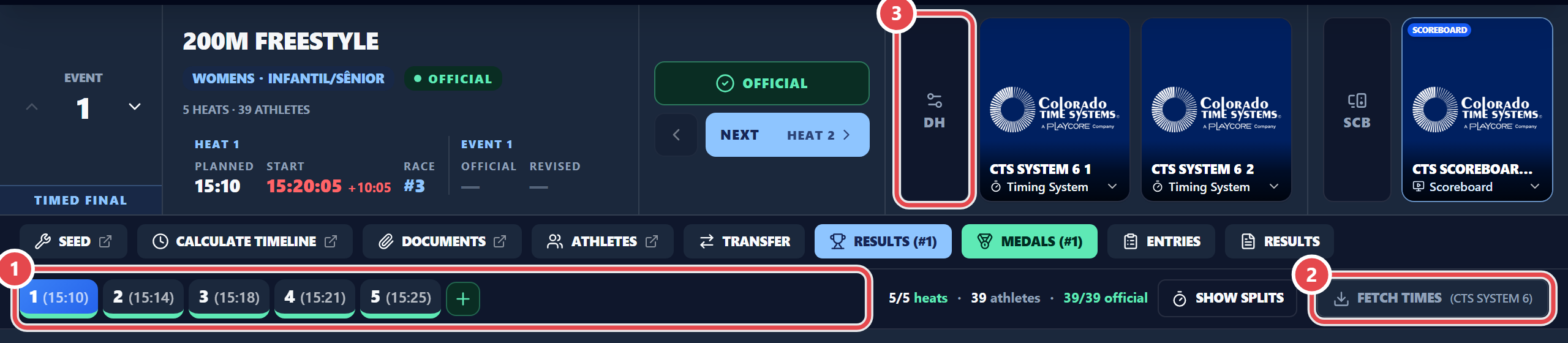
To bring in several heats at once, use Import All Heats or pick a file from the timing system. For timing setup, see timing (DH).