Check results
The Check results window (top-bar icon or gear menu) looks for problems without changing anything.
- Scope: heat, event, session or the whole meet.
- Severity: errors, warnings and information.
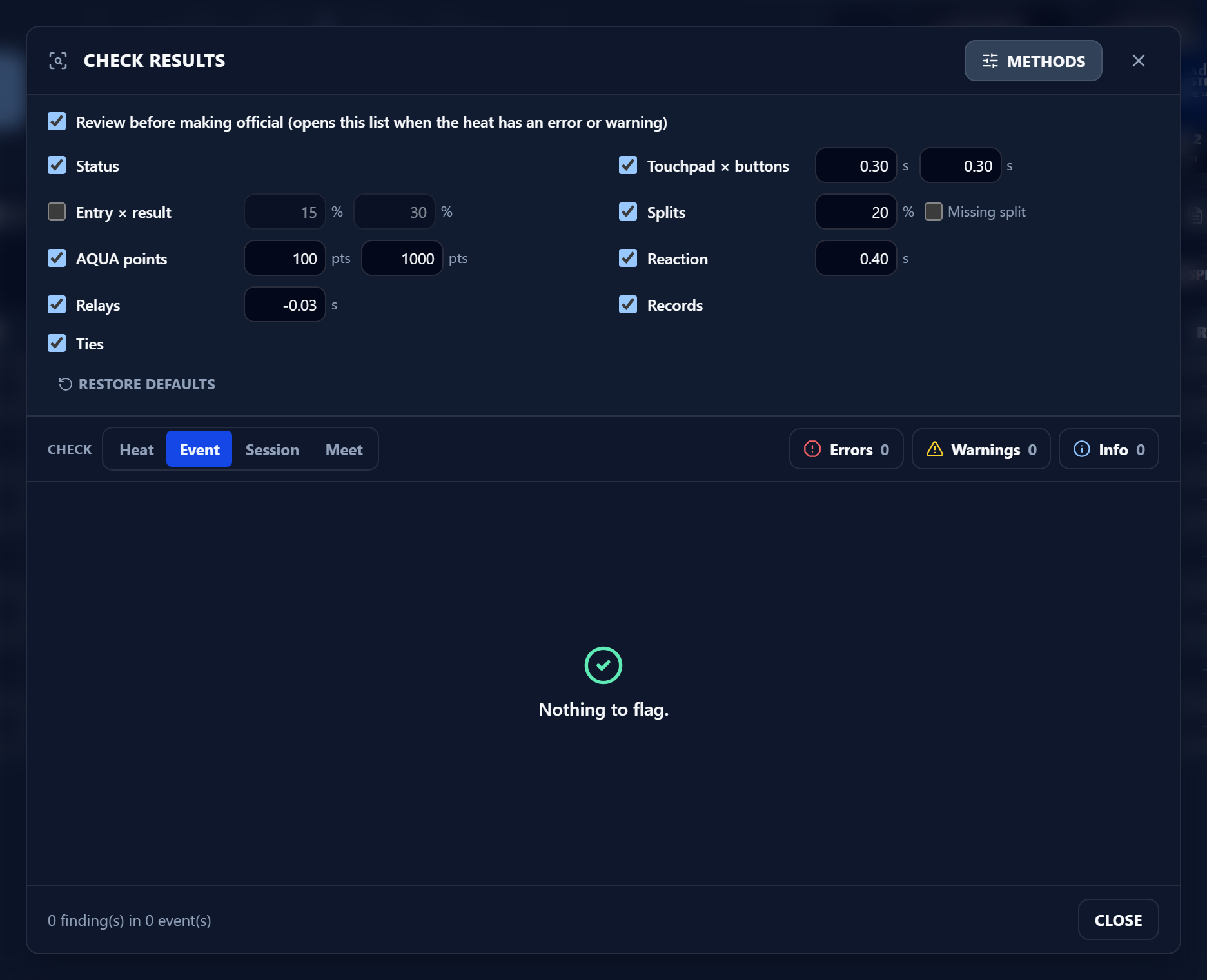
- Methods: status, touchpad vs buttons, entry vs result, splits, AQUA points, reaction, relay, records and ties. Each method can be switched on or off.
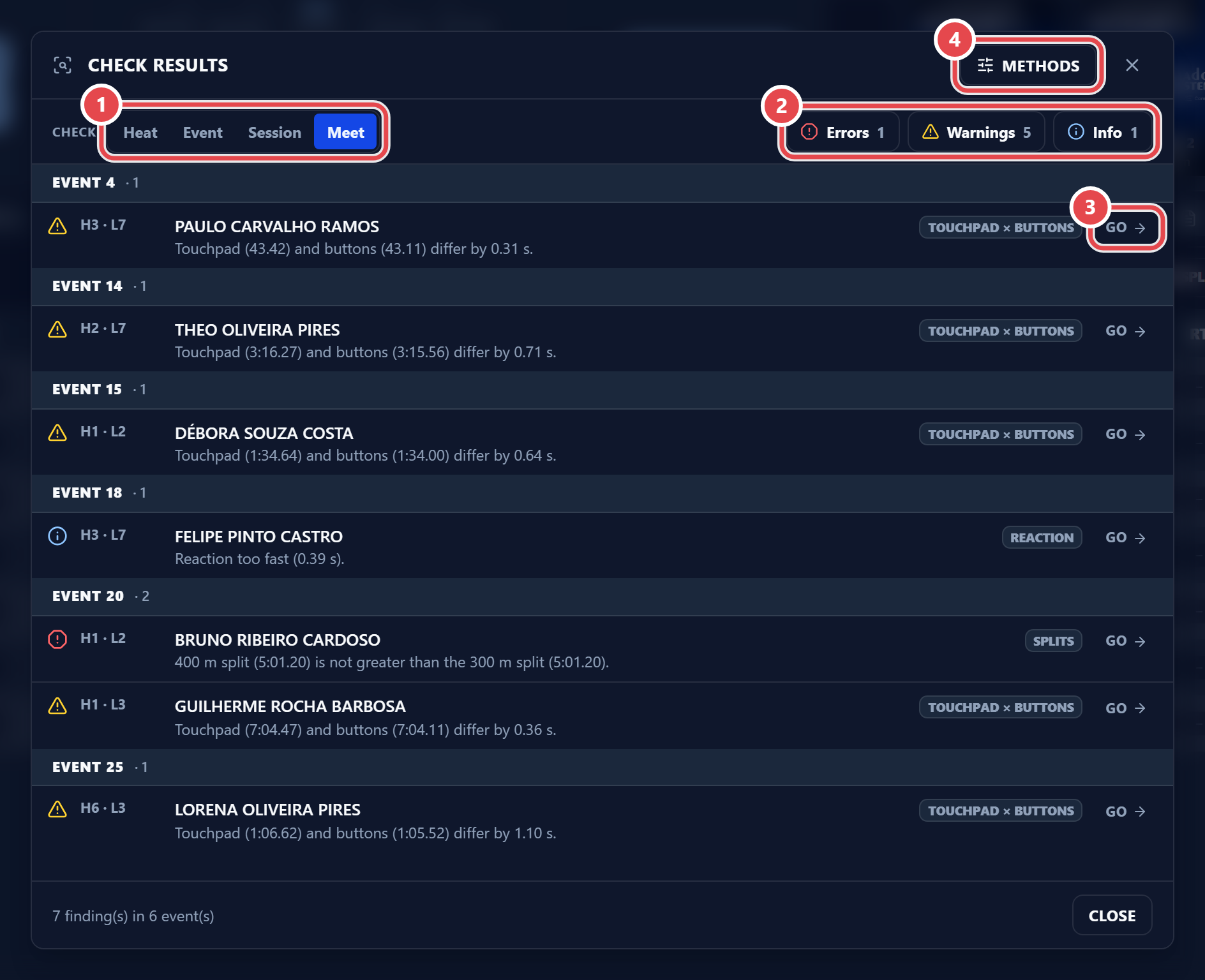
Click Go on a line to jump straight to that heat. The Review before making official box makes this list open by itself when you make a heat with an error or warning official.