

Export files
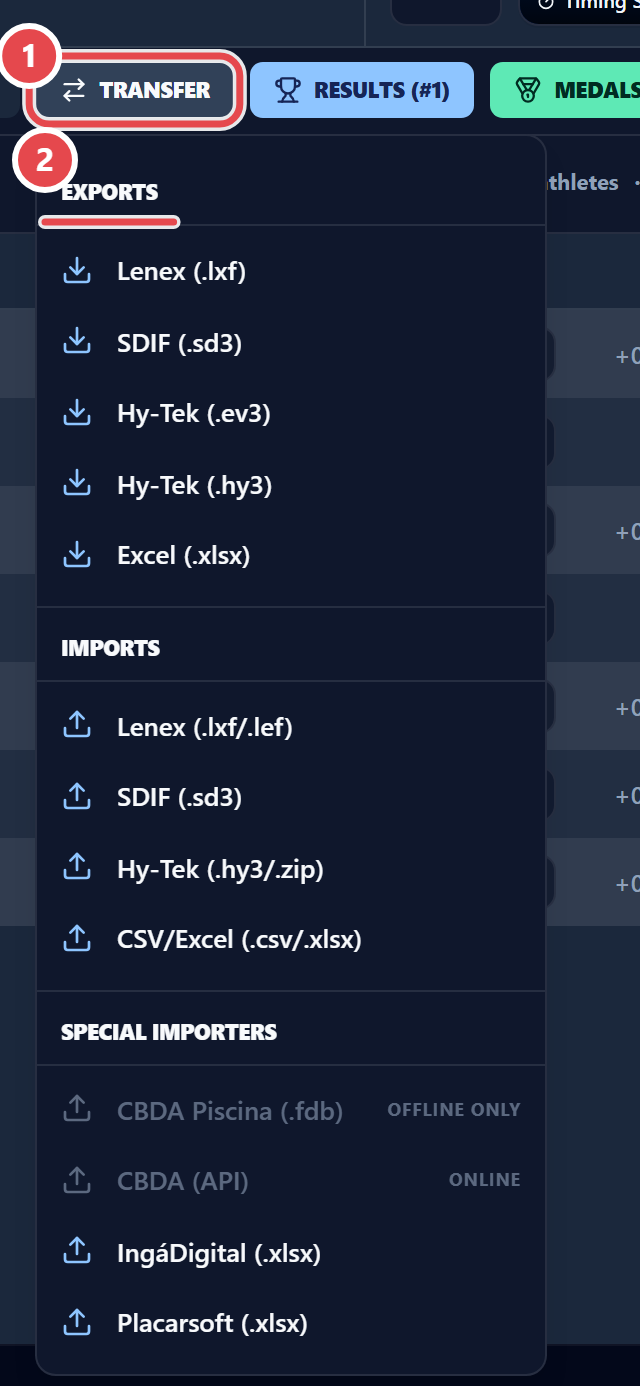
To hand results to another system, use Transfer › Exports on the results screen. The formats are:
- Lenex (
.lxf) - SDIF (
.sd3) - Hy-Tek (
.ev3) - Hy-Tek (
.hy3) - Excel (
.xlsx)
Lenex and HY3 ask what to include: Entries and results, Results without splits or Entries only. For the final meet file, choose Entries and results.