

Scoreboards (SCB)
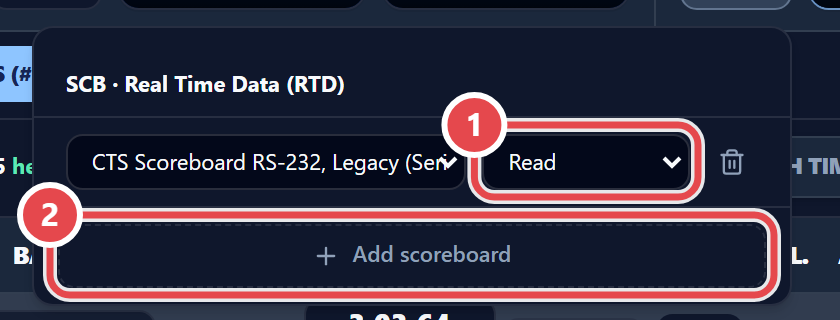
The SCB button opens SCB · Real Time Data (RTD). Click Add scoreboard and, on the new row, choose the model and the scoreboard’s role:
- Read: The app listens to the signal the timer sends to the scoreboard and re-broadcasts it to the GC, the video board and the website.
- Emulate: The app drives a physical scoreboard, acting as the timer.
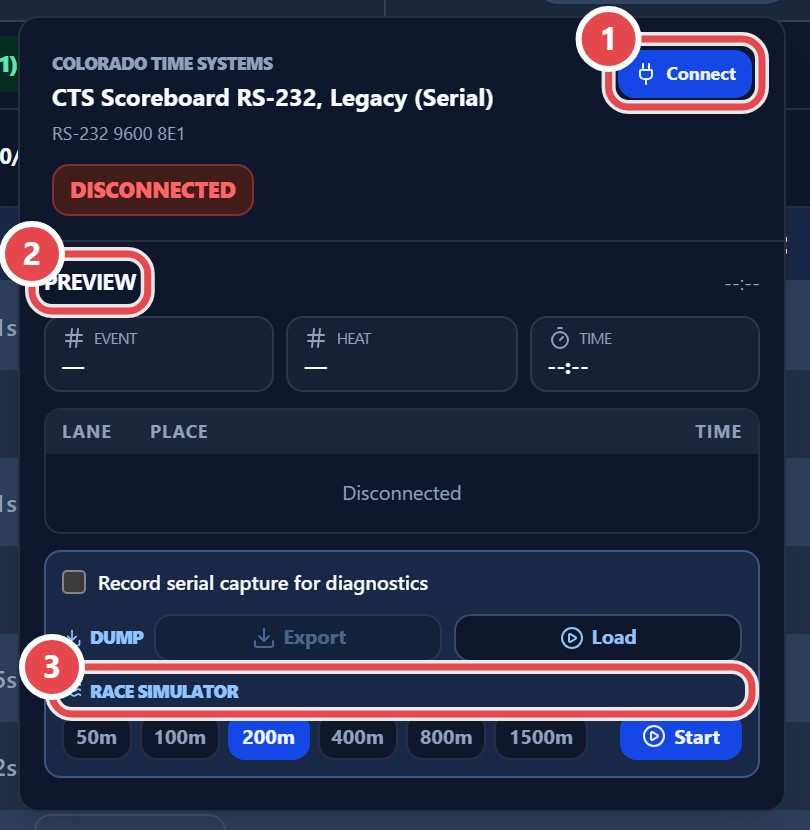
Click the scoreboard’s card on the desk toolbar to open its controls:
A meet can have at most one scoreboard reading and one emulating. When both exist, the app tells you that The meet already has one scoreboard reading and one emulating.
To show the scoreboard on a screen or projector, use Meet › Open SCB projection (HTML). GC and video-board scenes are explained in Live.